
AI Food Photo Enhancer
Improve lighting, contrast, colour and sharpness in restaurant photos while keeping the actual dish recognisable.
Use this for real menu photos that need measured correction rather than a replacement image. The browser preview is free; deeper generative editing continues in Gloo AI Studio.
- Before-download preview
- Measured visual controls
- Platform-ready resize presets
Image corrections
This tool makes technical and visual corrections. It does not fabricate ingredients or change the dish.
Real menu-photo examples
Five practical food-photo treatments
These examples show the kind of framing and correction to aim for. Your exported image remains based on your own upload.
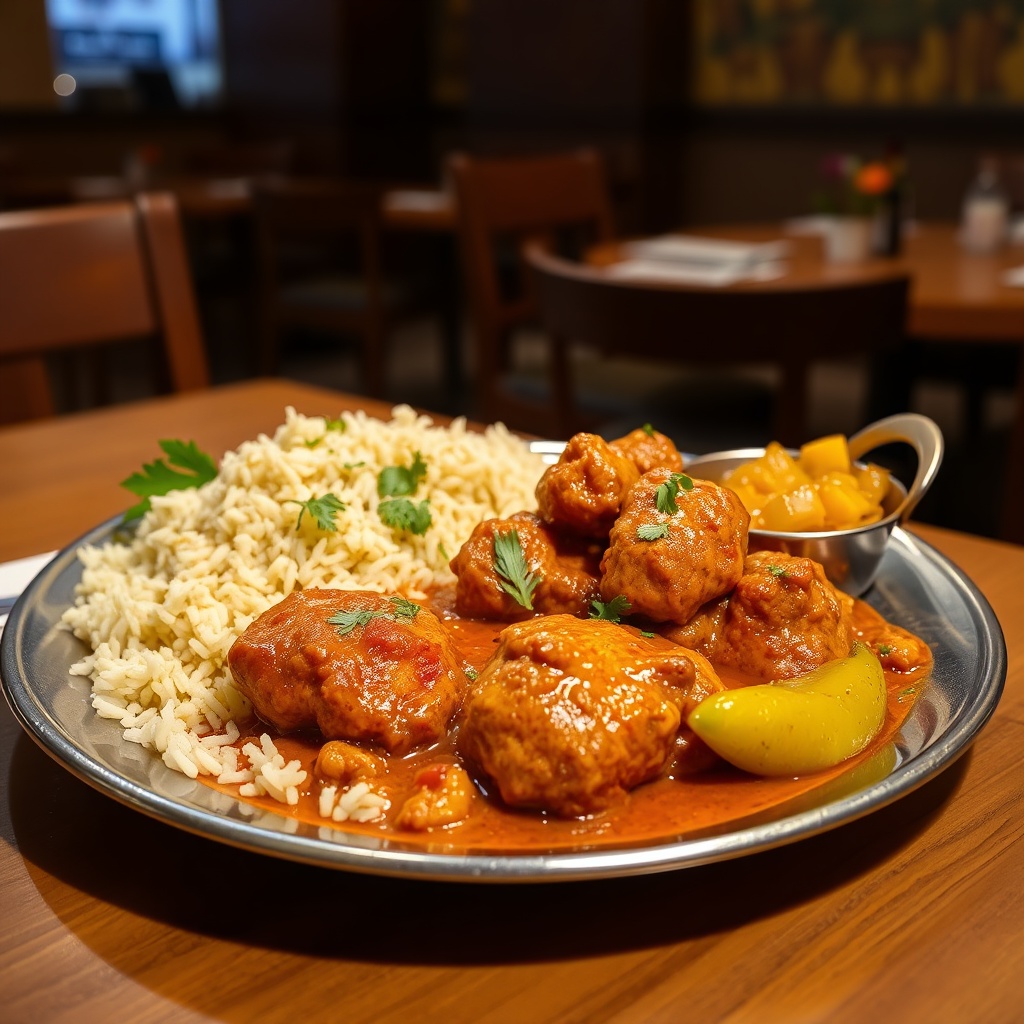 01
01Butter chicken
Square delivery-menu crop with warmer exposure
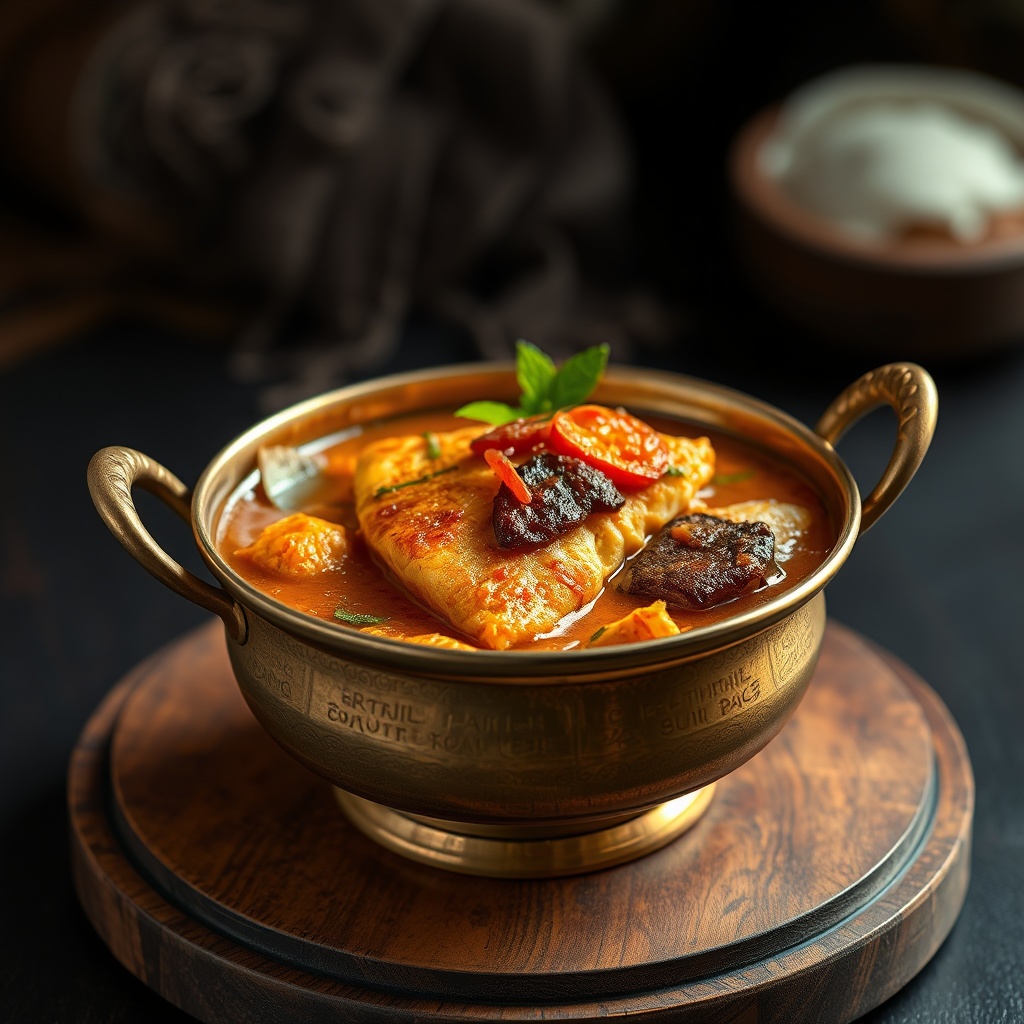 02
02Hyderabadi biryani
Balanced colour with the complete serving visible
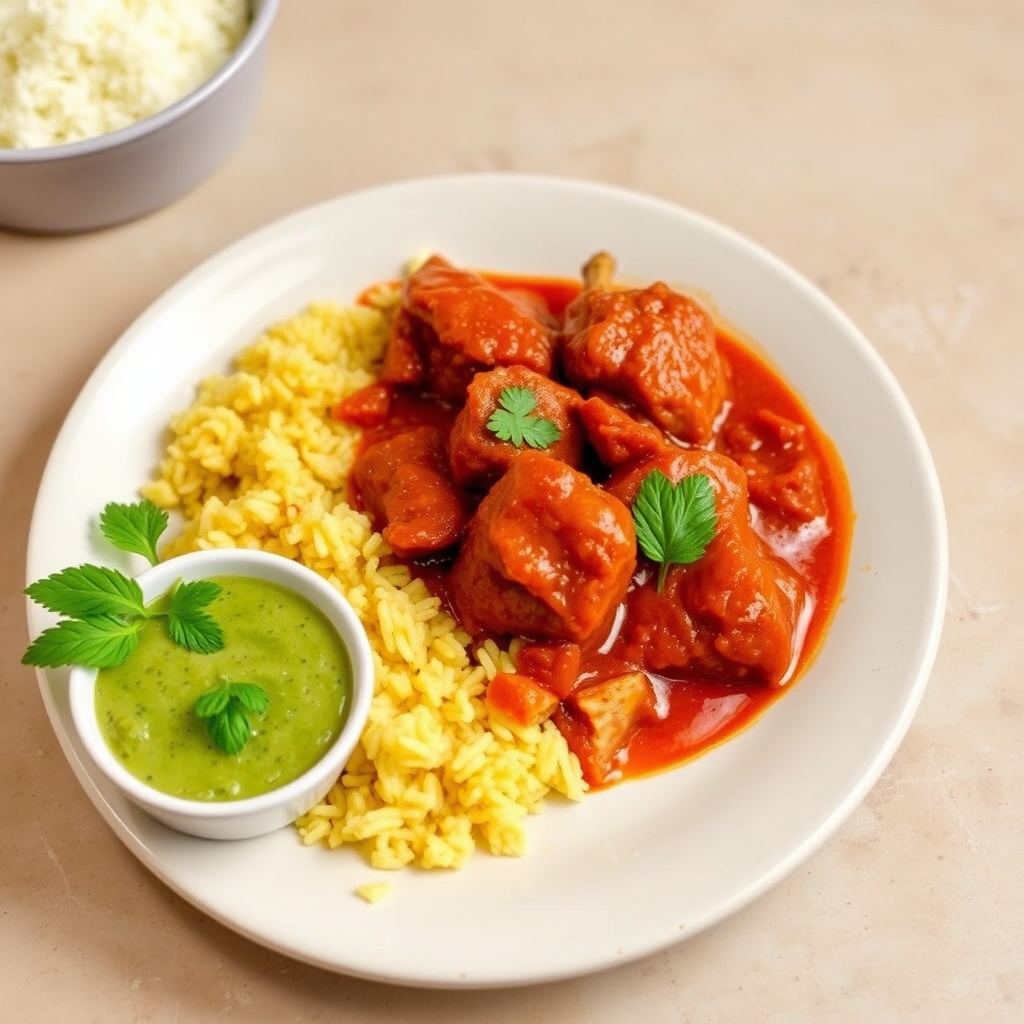 03
03Masala dosa
Landscape crop for wider restaurant placements
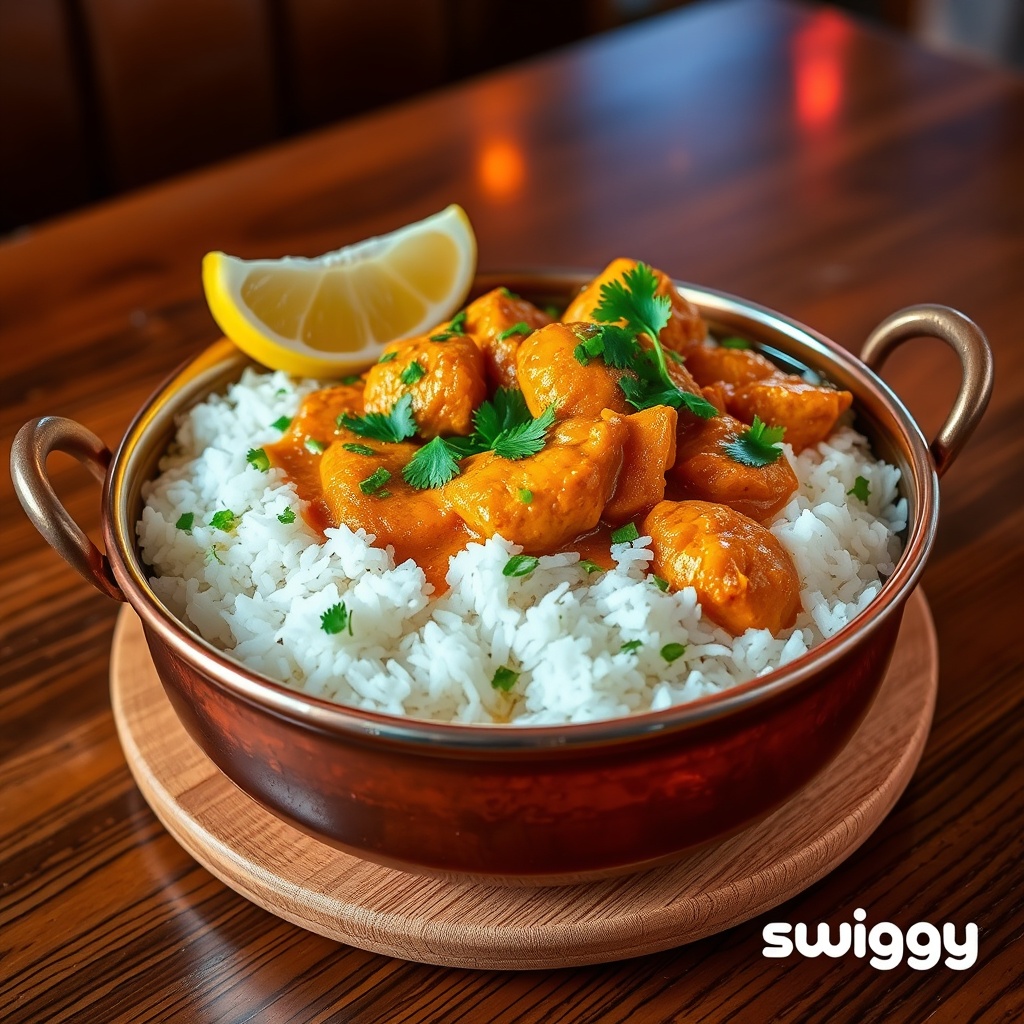 04
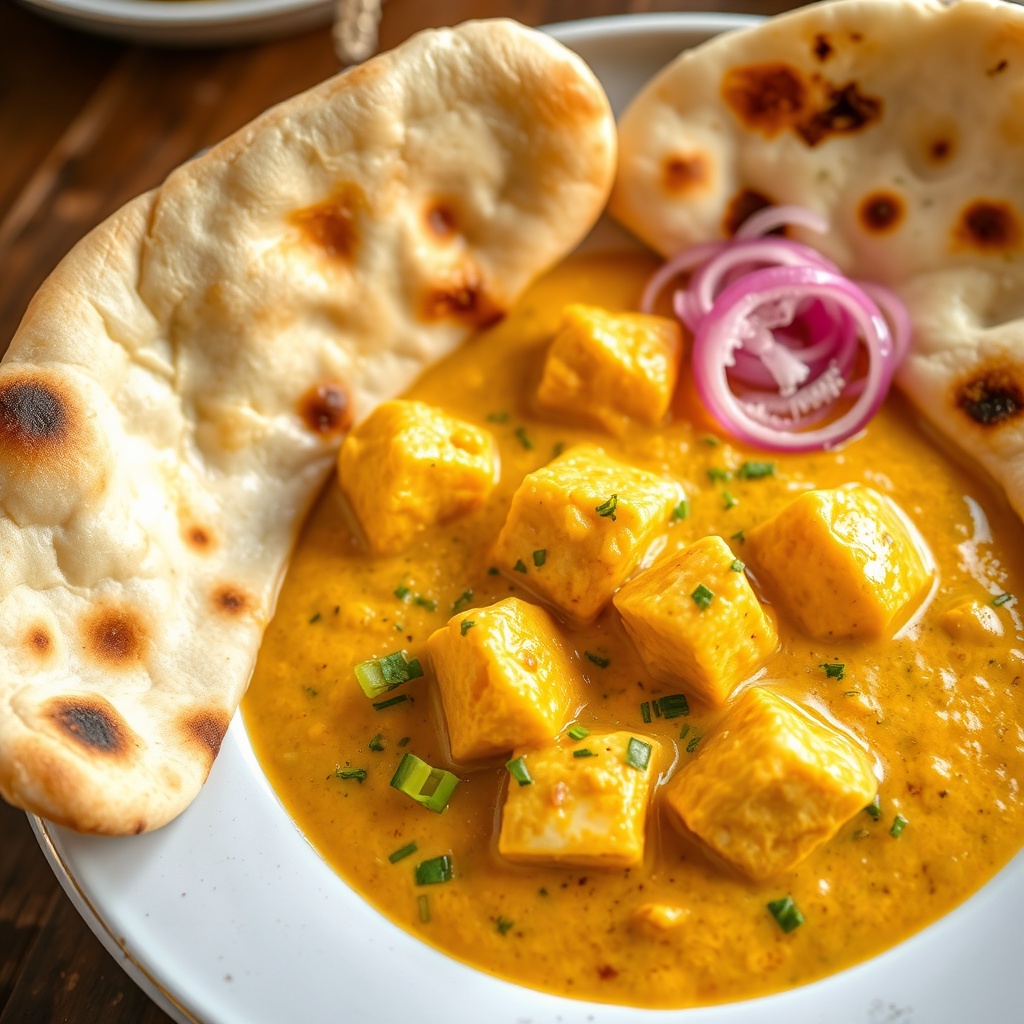
04Chicken tikka masala
Sharper texture without changing the actual dish
 05
05Fish curry and appam
Corrected contrast for a cleaner menu thumbnail
How it works
- 01
Upload
Choose a real JPEG, PNG or WebP photo. Nothing is sent to Gloo for the free preparation step.
- 02
Prepare
Select an output crop and adjust only what the image needs. Keep the food realistic.
- 03
Download
Export JPEG for a compact menu asset or PNG when lossless output matters.
Important limitation
Delivery platforms can revise upload requirements. Check the current guidance shown inside your restaurant partner dashboard before a bulk upload.
Questions about AI food photo enhancer
Is the AI Food Photo Enhancer free?
Yes. You can upload, preview and download a prepared image without creating an account. The source image is processed in your browser.
Does this replace professional food photography?
No. It corrects an existing photo. Start with an honest, well-framed image of the dish you actually serve.
Which output should I use?
A square JPEG is the safest general menu asset. Use the landscape option when a platform or campaign placement explicitly needs a wide image.
Will it change ingredients or plating?
No. The free preparation tool changes crop, size, brightness, contrast, colour and sharpness only.