Show Products on TV
Use store TVs to show products, new arrivals, feature highlights, and launch visuals. Keep product content easy to refresh without rebuilding every screen from scratch.
Create a free account to explore GlooTV. If you choose premium, the monthly plan covers up to 3 TVs: ₹2,099 in India or $29 in the US. Payment starts only after you authorize checkout.
Retail teams launching product lines and category campaigns
Merchandising teams that need feature highlights on screen
Stores that want product storytelling beyond shelf labels alone
See a demo, talk to sales, or create a free account.
Share a few details and we will follow up with the right next step — whether that is a tailored demo, a quick call, or getting started with your own account.
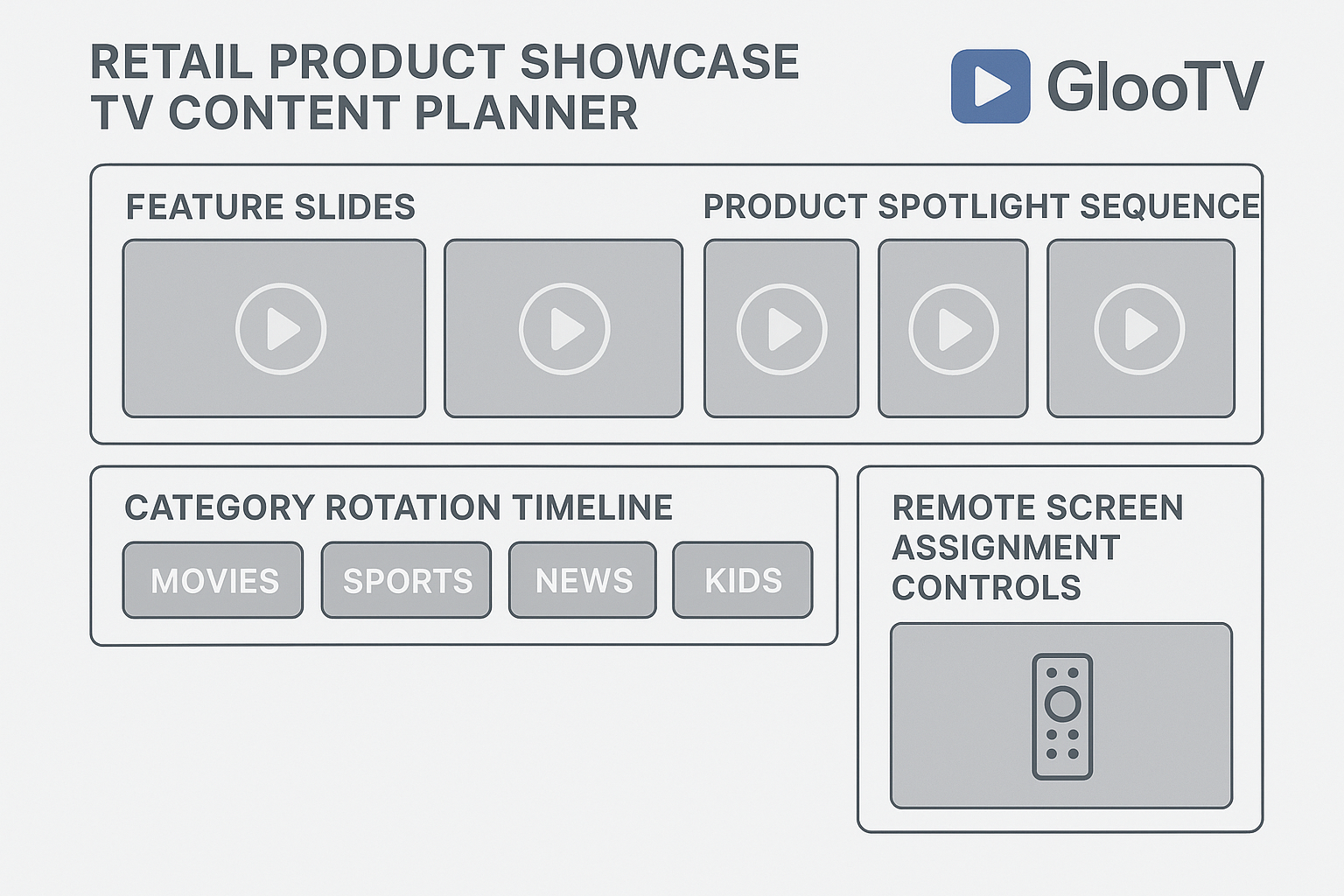
Show products, category stories, and launch visuals on store TVs.
Stores can refresh hero-product content more often
Product priorities stay closer to central campaign plans
Product visuals can be refreshed without local rework
Turn TVs into product displays
What this lets you show on the screen
This helps retailers use TVs as product-display screens. Instead of leaving screens static, teams can run new arrivals, hero products, and feature-led visuals in a repeatable loop.
New arrival loops
Centralized product display publishing
Feature and benefit slides
Store and campaign targeting
Category storytelling visuals
Flexible product-story sequencing
Launch-week product campaigns
Android TV-compatible playback
Workflow
How teams stay in control
The point is not just publishing. It is making the screen feel managed, current, and easy to run across stores or branches.
Pick the products to feature
Choose hero products, launches, or priority categories for screen time.
Build simple story blocks
Create a sequence of visuals that explains what the product is and why it matters.
Assign by store or campaign
Run different product loops by region, store type, or launch plan.
Refresh when priorities change
Swap products and screen stories without rebuilding the whole workflow.
Screen workflow
What the screen looks like in practice
These are the kinds of screens a team can actually publish, instead of a generic brochure-style explanation.
More frequent updates
Stores can refresh hero-product content more often
New arrival loops
Flexible product-story sequencing
Feature and benefit slides
Android TV-compatible playback
Cleaner rollout across stores
Product priorities stay closer to central campaign plans
Feature and benefit slides
Android TV-compatible playback
Category storytelling visuals
Support for regular visual refreshes
Less manual signage work
Product visuals can be refreshed without local rework
Category storytelling visuals
Support for regular visual refreshes
Launch-week product campaigns
Integration with trust and promo content in the same workflow
Control layer
How teams stay in control
Centralized product display publishing
Stores can refresh hero-product content more often
Store and campaign targeting
Product priorities stay closer to central campaign plans
Flexible product-story sequencing
Product visuals can be refreshed without local rework
Android TV-compatible playback
Stores can refresh hero-product content more often
Integrations and compatibility
Integrations
- Google Sheets or CSV menu feeds
- POS and catalog sync via API or structured data feed
- Google Reviews and social content sync
- QR-based customer ordering links
Compatibility
- Android TV appNative app for Android TV and Google TV devices
- Screen orientationLandscape and portrait layouts with safe zones
- Multi-location controlPush updates by location, region, or all screens
- Offline continuityLast published playlist stays on-screen during outages
Operations view
Manual work vs cloud control
Manual
Product stories stay static between launches
With GlooTV
Product loops can be refreshed whenever priorities change
Manual
Each store improvises product messaging
With GlooTV
Central teams can keep launch visuals aligned
Manual
Feature explanations are hard to scale
With GlooTV
TV loops can repeat clear feature stories automatically
Manual
Product and promo content stay separate
With GlooTV
Both can be sequenced in one screen workflow
Day-to-day use
What teams get out of it
What teams typically see when moving from manual screen updates to centralized publishing.
Product freshness
More frequent updates
Stores can refresh hero-product content more often
Launch consistency
Cleaner rollout across stores
Product priorities stay closer to central campaign plans
Store effort
Less manual signage work
Product visuals can be refreshed without local rework
Common store examples
New-arrival spotlight
Run a focused loop for a fresh product launch at store entry or near the featured category.
Category education
Explain benefits and use cases for a product range on screen.
Launch campaign bridge
Keep store TVs aligned with broader launch visuals and in-store messaging.
FAQ
Frequently asked questions
1. Can I show products on TV in a retail store?
Yes. GlooTV lets you run product highlights, launches, and feature loops on store TVs.
2. Can different stores show different products?
Yes. Product loops can be assigned by location, region, or store type.
3. Can I update product screens quickly?
Yes. Product content can be swapped without rebuilding the full screen workflow.
4. Can I mix products and promotions?
Yes. Product stories and promotional messages can run together in one playlist.
5. Does this work on Android TV?
Yes. Android TV is supported for retail product screen playback.
6. Can this help with launch campaigns?
Yes. Product launches are one of the strongest use cases for TV-based store displays.
Related pages
The broader retail screen-management page
Promotion and offer-focused screen workflows
Poster and brand-story screen workflows
The full GlooTV product overview
See a demo, talk to sales, or create a free account.
Share a few details and we will follow up with the right next step — whether that is a tailored demo, a quick call, or getting started with your own account.