Dubai · October 2026-January 2027

Dubai Shopping Festival content your customers can act on.

Stay useful throughout the shopping season, not just opening week. A long retail season needs fresh product stories and accurate offer windows. Visitors are comparing where to go, what is available and whether the journey is worth it.

Public examples. No form needed. Sign up when you are ready to create or run your campaign.

Dubai Shopping Festival plan: offer, creative, customer action
An original campaign planning illustration, not a customer performance result.
By Gloo Product and ResearchReviewed 2026-12-04 to 2027-01-17

How can my business create Dubai Shopping Festival images, videos and carousels?

Turn your products, services, brand and offer into campaign images, short videos and carousel creative. Create in Gloo AI Studio; use Gloo Local for the connected Instagram planning and publishing programme.

Before you create anything: agree the offer, available dates, branch details and one conversion action. Your caption, creative and destination should answer the same buying question.

The upcoming Dubai Shopping Festival is 4 December 2026-17 January 2027, not the previous edition's dates. These dates guide planning; they do not imply official festival participation.

Three starting points

Campaigns built around a real buying decision.

Adapt these examples to your actual products, prices and availability. They are sample briefs, not case studies or claims about customer results.

01 / Retailer

A weekly product edit with current availability

Refresh featured products and offer terms each week. Show branch directions and collection options before asking for a visit.

Creative brief: lead with the real retailer product or service, use your brand colours, leave room for a readable headline and make the next step visible. Review AI-generated details before export.

Sample caption: Your next Dubai shopping stop. Explore this week's selection and find the nearest store.
02 / Restaurant

A dining stop linked to the shopping journey

Explain location, opening hours and actual menu options. Avoid claiming an official festival relationship without evidence.

Creative brief: lead with the real restaurant product or service, use your brand colours, leave room for a readable headline and make the next step visible. Review AI-generated details before export.

Sample caption: Take a break between shopping stops. View our menu and find our restaurant.

03 / Multi-location brand

A central campaign with branch-specific execution

Keep brand creative consistent but adapt branch stock, opening hours and location links. Expire each offer rather than leaving old pricing on display.

Creative brief: lead with the real multi-location brand product or service, use your brand colours, leave room for a readable headline and make the next step visible. Review AI-generated details before export.

Sample caption: Find the right offer at the right branch. Check current products and store details.
Download the brief and seven-day checklist

Seven days from idea to an approved campaign.

This is an execution sequence, not a guarantee that every campaign takes seven days. Give approvals, fulfilment and reservations the lead time they need.

Have these ready

Your logo and colours; actual product photos; confirmed offer terms; branch details; buying or booking destination; and a named person to approve publishing.

  1. Day 1

    Choose the audience, offer and one action you want customers to take.

  2. Day 2

    Gather real product photos, your logo, colours and confirmed offer conditions.

  3. Day 3

    Create the main campaign image and review product and text accuracy.

  4. Day 4

    Build a short video around the product, occasion and customer benefit.

  5. Day 5

    Adapt the story into a carousel: need, offer, proof and next step.

  6. Day 6

    Prepare channel-specific captions and export approved creative.

  7. Day 7

    Publish through your chosen channel or connected Gloo Local programme; measure enquiries, not just likes.

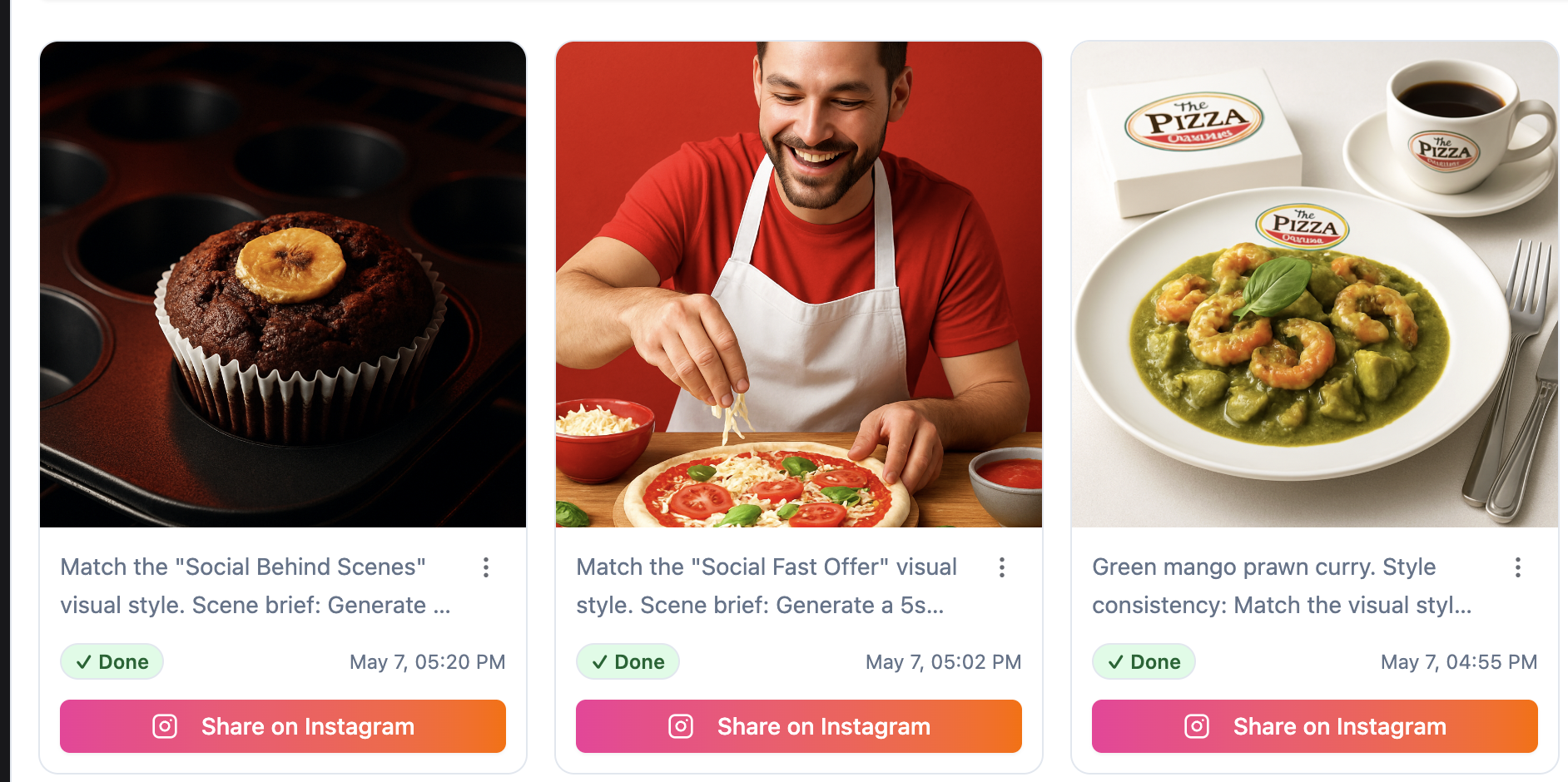
Gloo AI Studio Instagram post creation interface
Existing AI Studio interface. Available workflows depend on connected accounts and your plan.

Gloo AI Studio

Your campaign deserves more than a stock greeting.

Turn your products, services, brand and offer into campaign images, short videos and carousel creative. Create in Gloo AI Studio; use Gloo Local for the connected Instagram planning and publishing programme.

Need a full Instagram programme, not just creative? Gloo Local connects planning, creation, review, scheduling and publishing.

Create my campaign visuals

Before you launch

When should I launch my Dubai Shopping Festival campaign?

Work backwards from 2026-12-04 to 2027-01-17. Start sooner when customers need to reserve appointments, order gifts or approve group bookings. The upcoming Dubai Shopping Festival is 4 December 2026-17 January 2027, not the previous edition's dates.

What does Gloo AI Studio help my business do?

Turn your products, services, brand and offer into campaign images, short videos and carousel creative. Create in Gloo AI Studio; use Gloo Local for the connected Instagram planning and publishing programme.

Can I use the campaign examples without signing up?

Yes. The sample captions, creative brief and seven-day checklist are public. Sign up to create assets or run connected product workflows. Product usage depends on your plan, credits, permissions and connected accounts.

Will this guarantee more bookings or a number-one search ranking?

No. Offer relevance, demand, location, competition and execution all matter. Use the campaign to remove buying friction and compare actual enquiries, visits and orders with an equivalent previous period.

Calendar sources and scope

Dates are grounded in the sources below, reviewed 4 October 2026. Campaign recommendations are Gloo's editorial guidance, not findings attributed to these calendar publishers.

Take the campaign to the next channel.

Create my campaign visuals