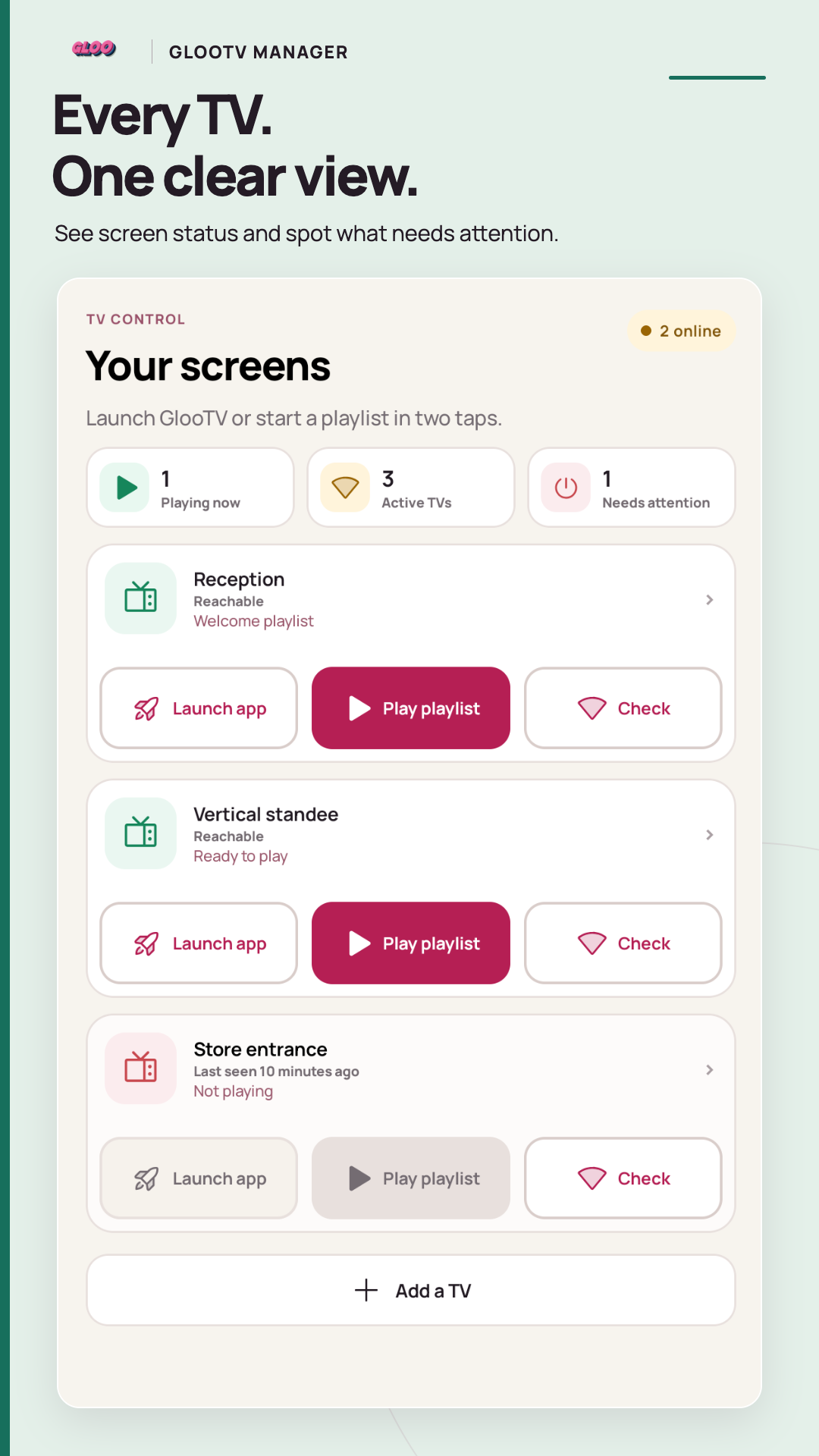
Every TV. One clear view.
See reachable screens, reported playback and TVs that need attention.
GlooTV Manager for Android
See which screens are reachable, open GlooTV and choose playlists from your phone. Keep the content fresh with photos, videos, templates and connected posts.
For your Android phone. A Gloo account and a compatible screen running the separate GlooTV player are required for TV management.
See reported TV status and use the controls supported by each connected GlooTV player.
Upload photos or videos, choose an available template and inspect the complete preview.
Select destinations and check the confirmed result. Screen playback status stays separate.
Made for restaurant, retail, salon, gym and workspace teams keeping their business screens up to date.
See reachable screens, reported playback and TVs that need attention.
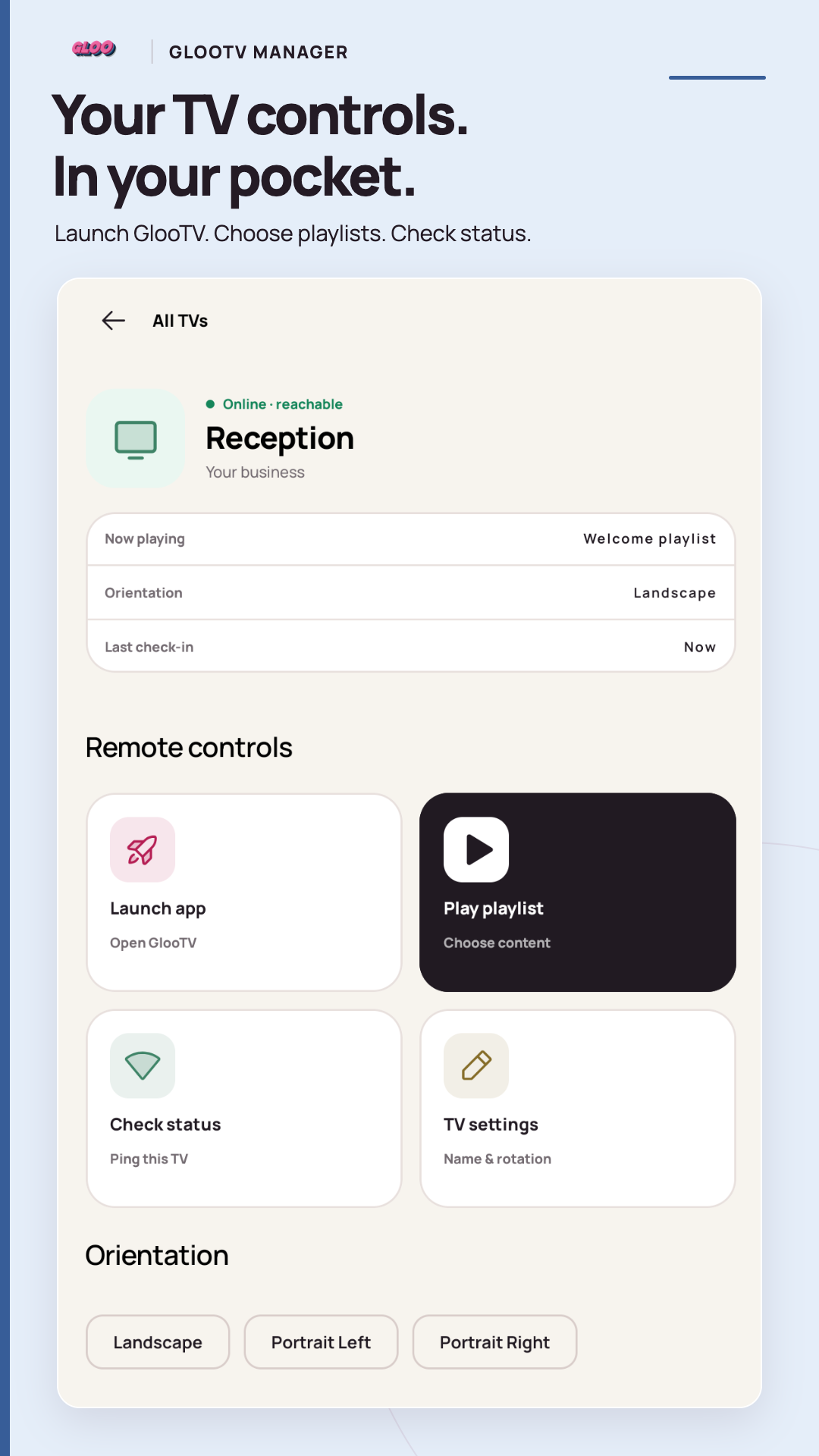
Open GlooTV, choose a playlist, check status and manage orientation on supported players.
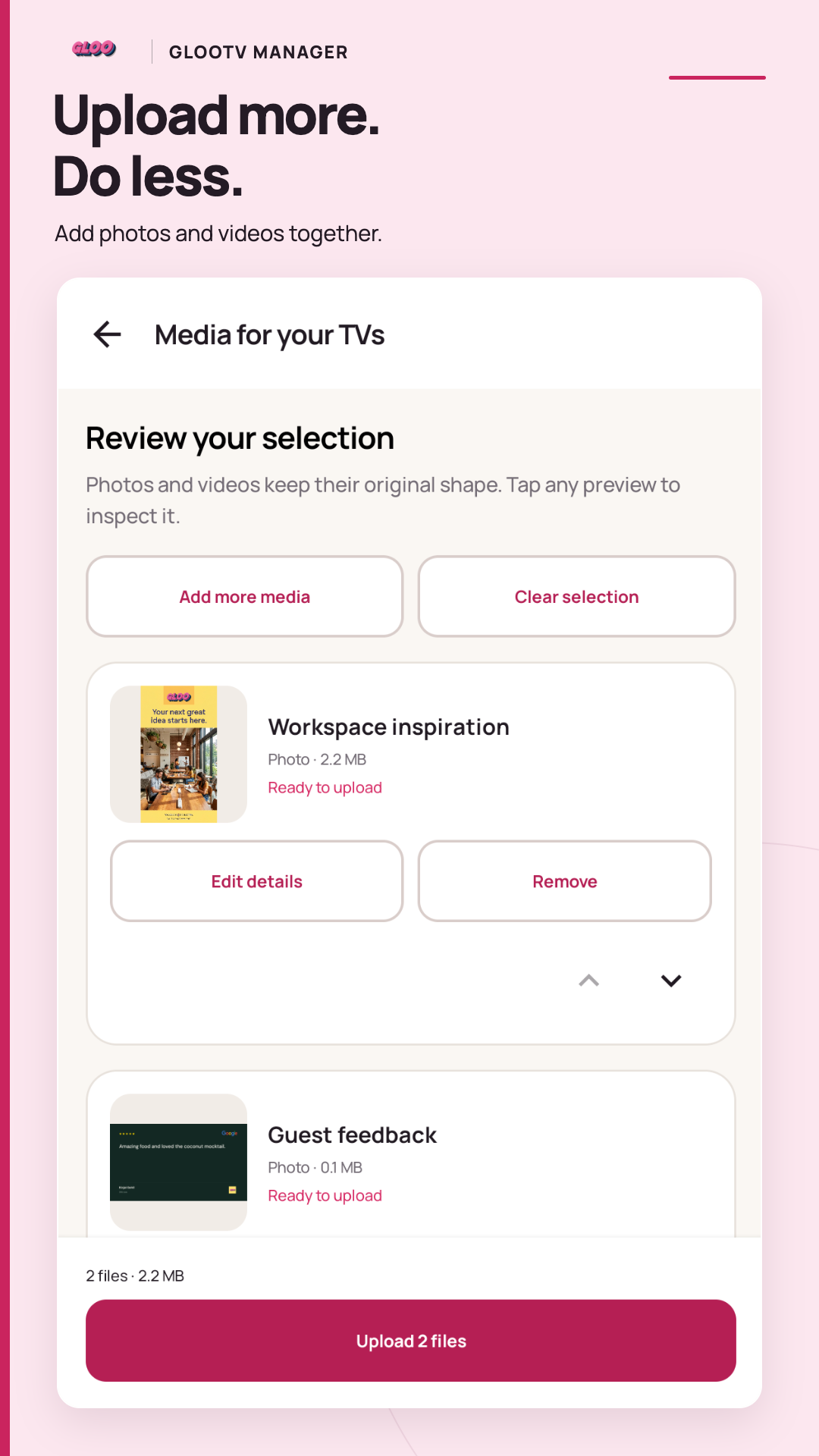
Review multiple photos and videos in the same upload journey.
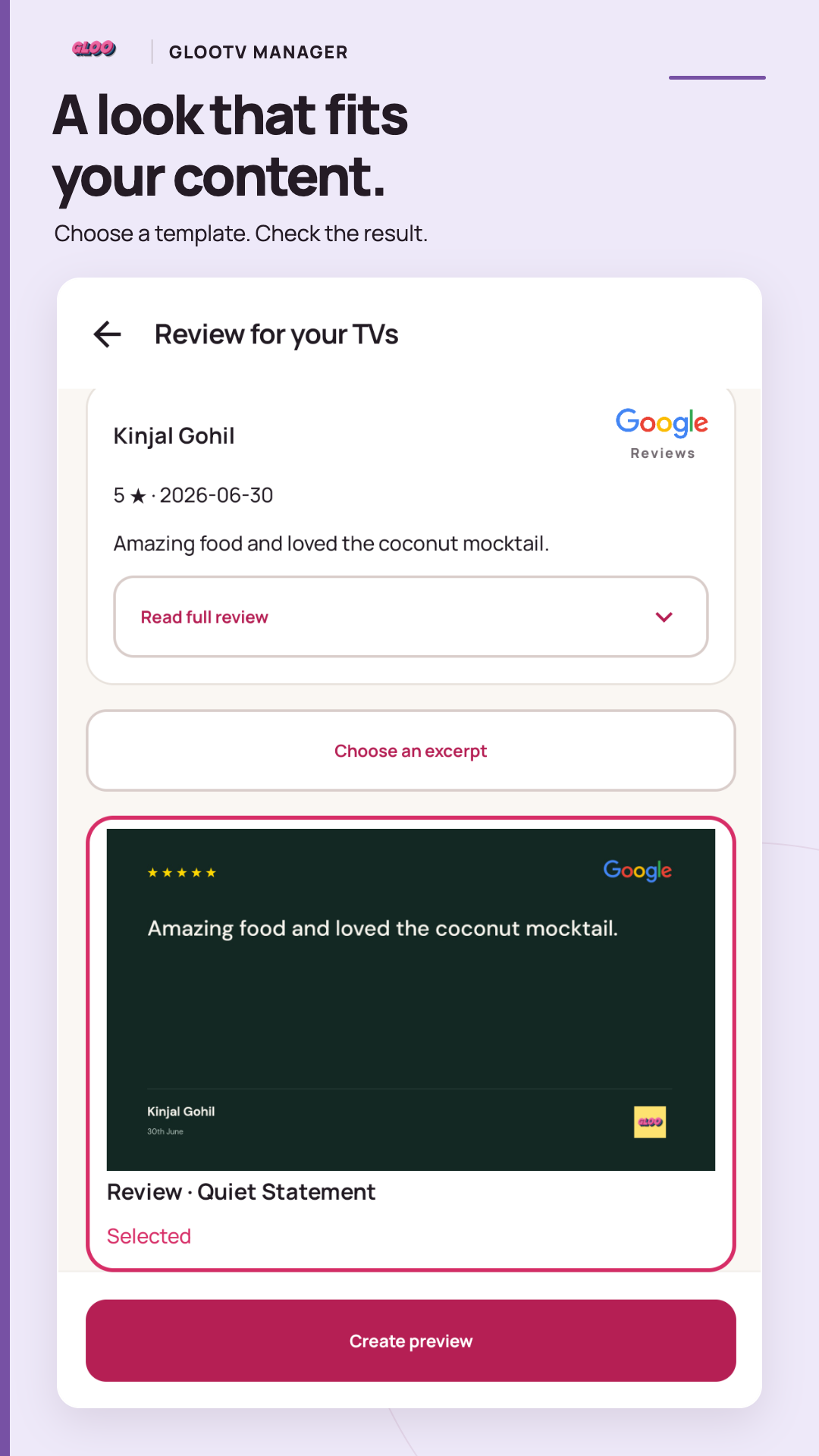
Choose a compatible template and check its preview.
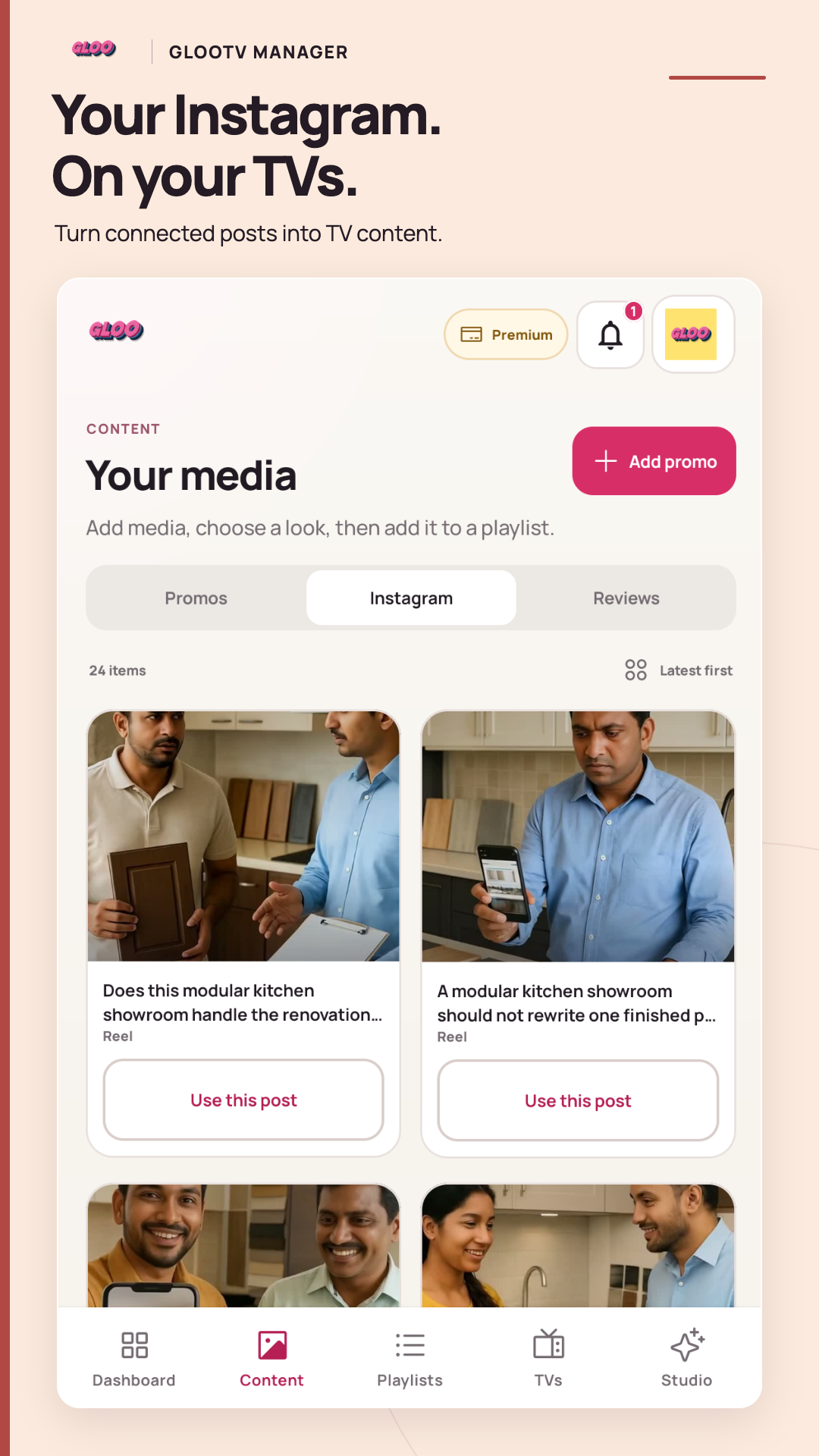
Browse posts from your connected Instagram account.
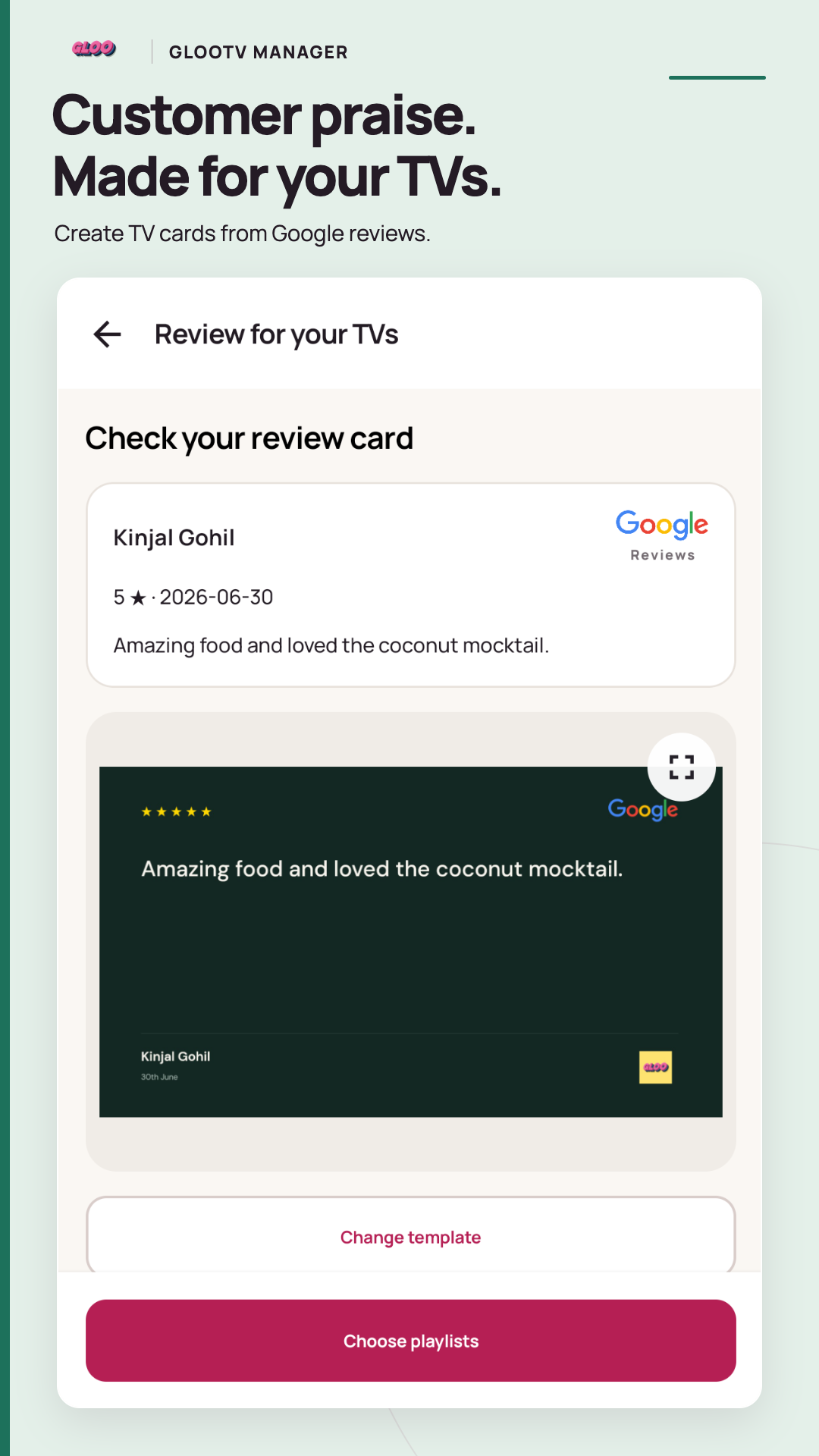
Preview a Google review card with its original attribution.
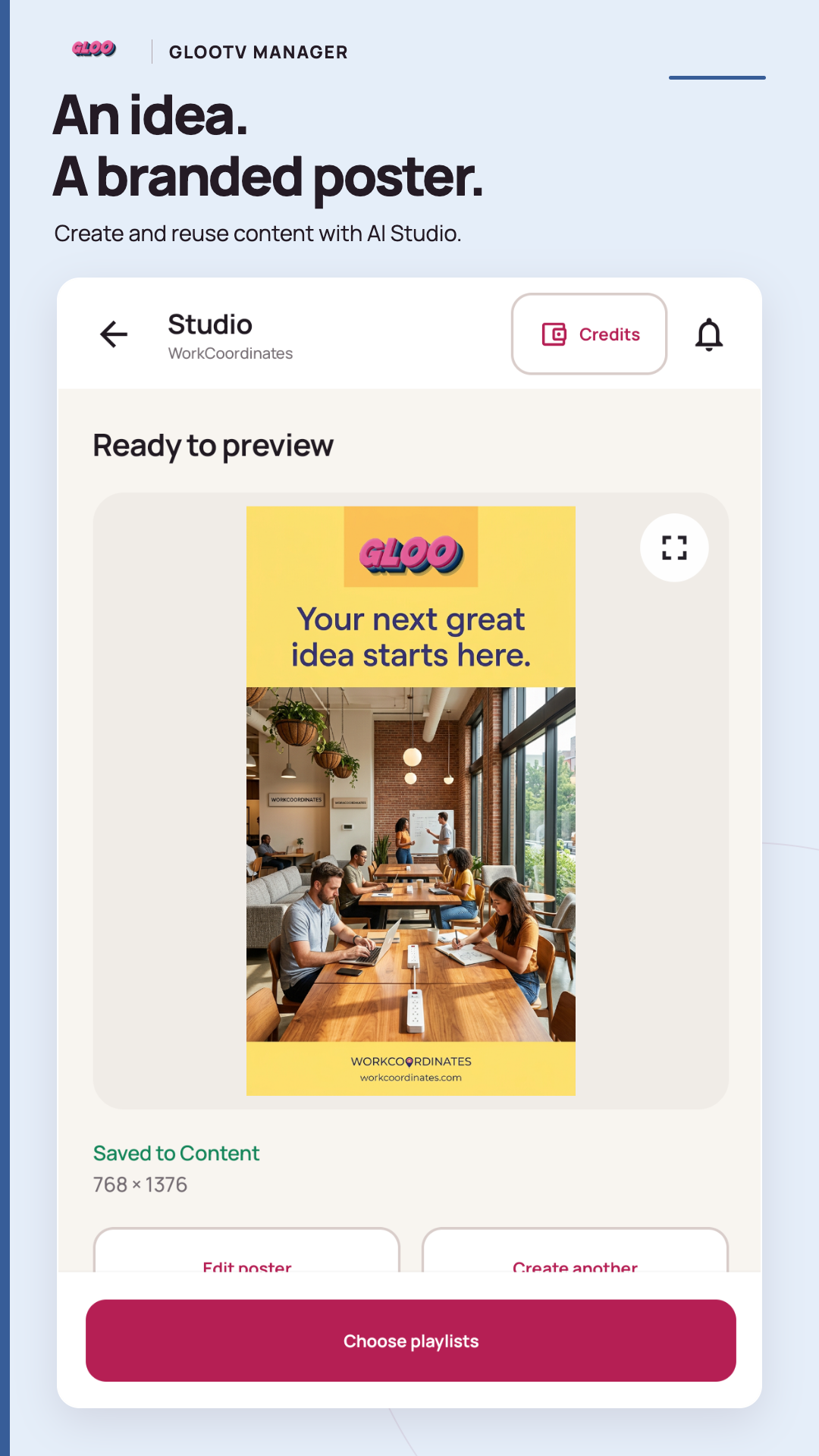
Inspect a saved Studio creation and choose playlists.
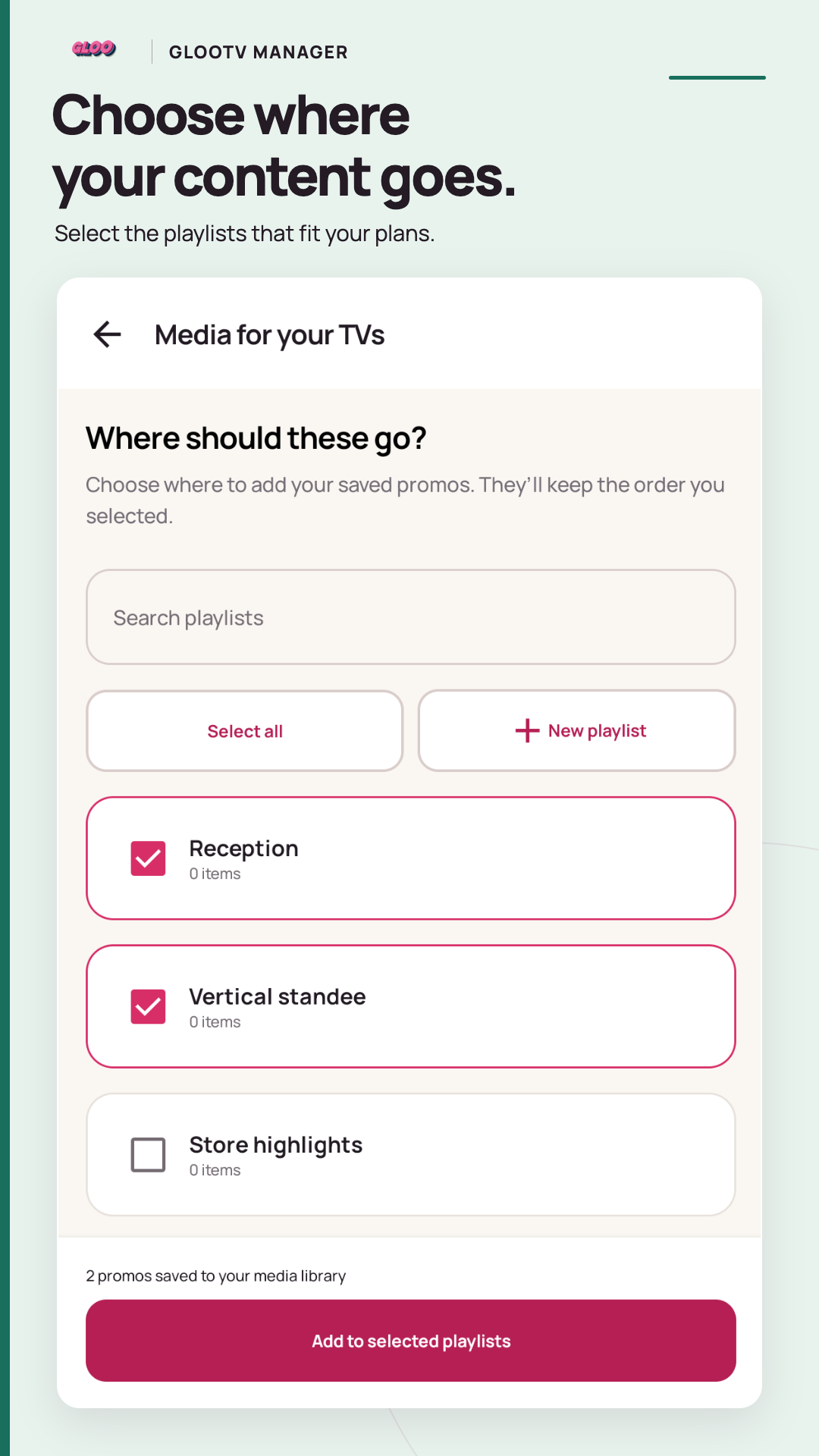
Search and select the playlists for your saved promos.
GlooTV Manager is the mobile management app for your GlooTV business. Use your Gloo account to find your business and saved content.
Open Google Play