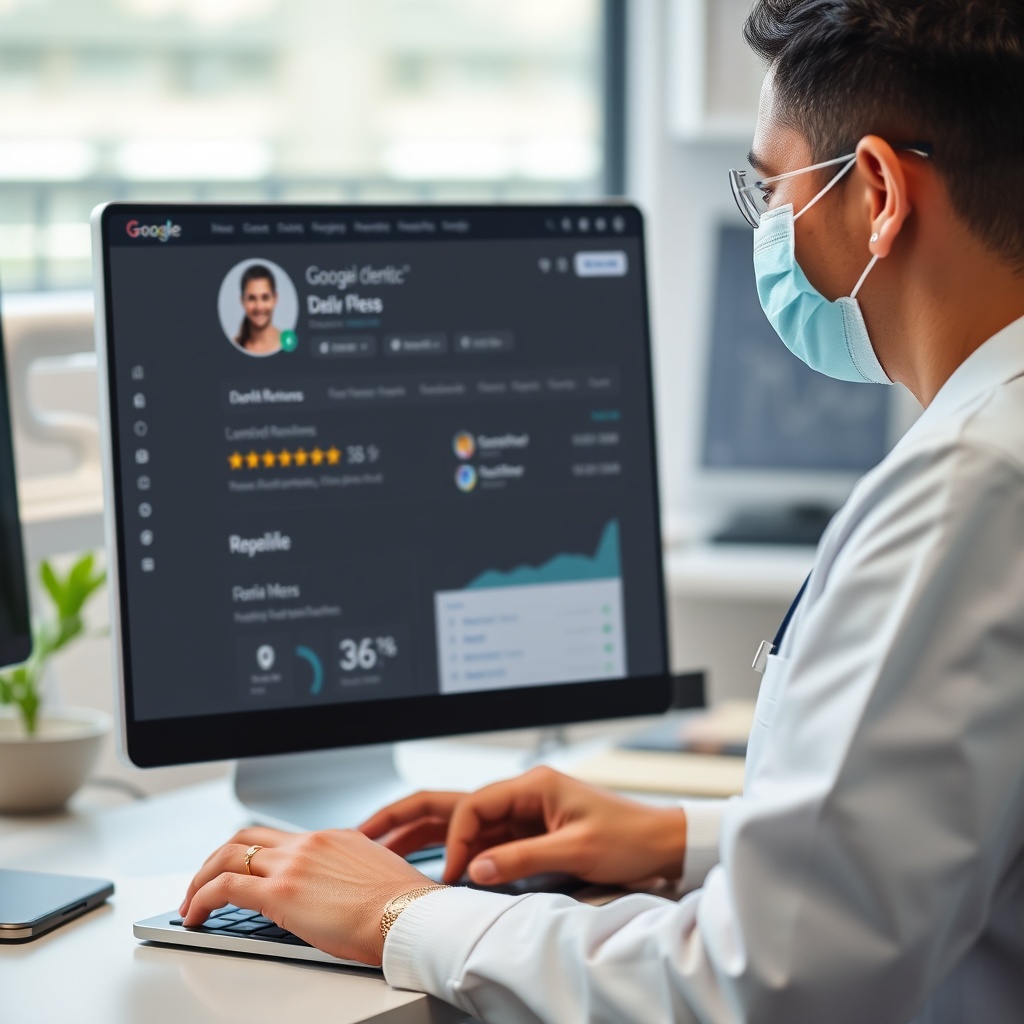
Google Business Profile for Dentists: The Complete Optimization Guide
Free, actionable strategies to optimize your dental practice's Google Business Profile (formerly Google My Business). Learn how to rank in the Local 3-Pack, win patients across India, the US, and the UK, and keep HIPAA-safe reviews and posts consistent.
Why Google Business Profile Matters for Dentists
When patients search "dentist near me" or "teeth whitening [city]," Google shows the Local 3-Pack before most organic results. Winning that placement drives calls and appointments in every market — from Mumbai and Delhi to New York and London.
• 88% of local searchers call or visit within 24 hours
• Optimized dental profiles are 70% more likely to attract visits
• Reviews are a top Google local ranking factor
1) Claiming and verifying your Google Business Profile / Google My Business
2) Picking the right dental categories and services
3) Review, post, and photo playbooks with HIPAA callouts
4) Weekly optimization checklists and analytics tracking
• Dental-specific examples for cosmetic, ortho, pediatric, and implant services
• HIPAA-safe review and photo guidance (competitors skip this)
• India-friendly tips: mention Practo/JustDial alongside Google for citation consistency
• Gloo Local automation for reviews, posts, and keyword tracking
1. Set Up & Verify Your Dental Clinic's Google Business Profile
Before optimizing, claim, verify, and complete your Google Business Profile (Google My Business). Unverified or inconsistent listings will not rank in the Local 3-Pack.
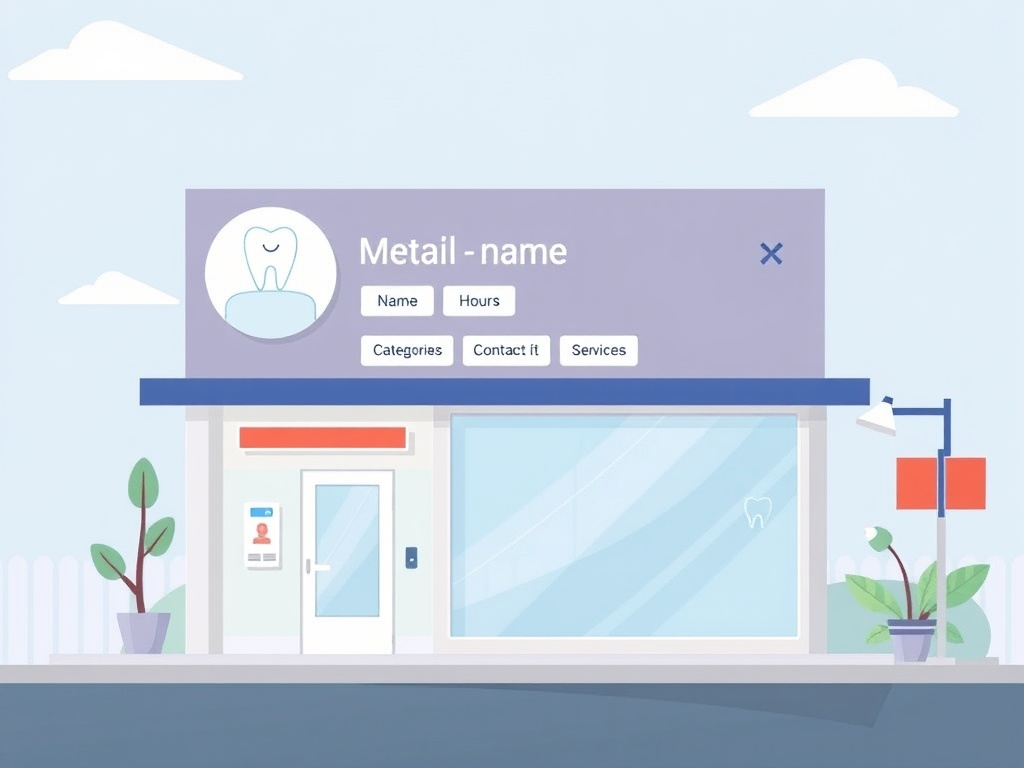
Why it matters: Unverified profiles rarely surface in the Local 3-Pack and cannot manage services, reviews, or posts. Finish verification within the first week.
Verification Steps:
- Visit business.google.com and search your practice name
- Claim or create the listing, then choose postcard, phone, or email verification
- Enter a professional email (contact@yourpractice.com)
- Complete verification within 5-7 days to unlock full GBP/GMB controls
Primary Category: Choose the most specific match. "Dental Clinic" or "Dentist" is better than "Medical Center."
Secondary Categories: Add relevant categories like:
- Cosmetic Dentist (if you offer teeth whitening, veneers)
- Orthodontist (if you offer braces, Invisalign)
- Oral Surgeon (if you perform extractions, implants)
- Periodontist (if you specialize in gum treatment)
💡 Tip:
Use Gloo Local to easily manage your categories and ensure they're optimized for local search. The platform automatically syncs with Google Business Profile.
Ensure your clinic name, address, and phone number are identical across every listing. Google My Business/GBP, your website, and India directories like Practo or JustDial must all match.
- Google Business Profile
- Your website
- Local directories (Healthgrades, Zocdoc, Practo, JustDial)
- Social media profiles
Bad example: GBP says "Riverside Smiles Dental Center" while your site says "Riverside Smiles Dental."
Correct: Use the exact legal business name everywhere to avoid ranking drops.
2. Add Dental Services That Patients Search For
Showcase your dental services prominently on Google. Patients search treatment-first ("Invisalign near me," "teeth whitening [city]") — make sure Google Business Profile and Google My Business entries reflect every service you offer.
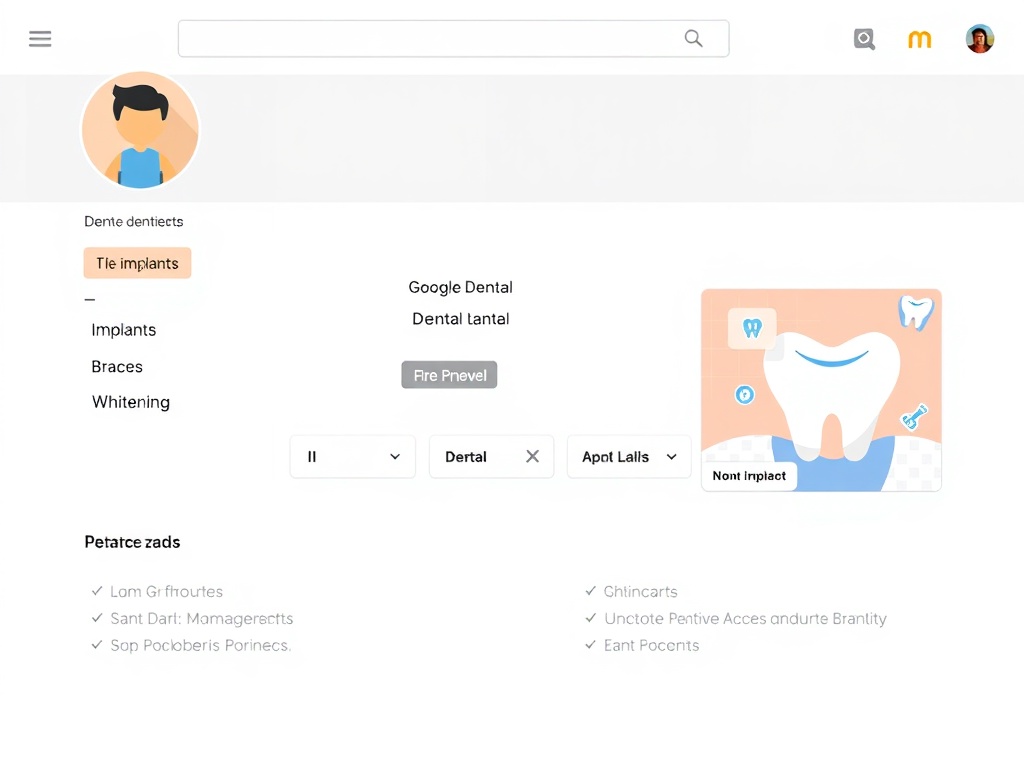
Google provides predefined dental services that patients commonly search for:
- Teeth Whitening - One of the most searched dental services
- Dental Cleaning - Routine cleanings and checkups
- Root Canal - Endodontic treatment
- Dental Fillings - Cavity treatment
- Tooth Extraction - Simple and surgical extractions
- Dental Crowns - Crown and bridge work
These services appear prominently in search results and help patients discover your clinic for specific treatments.
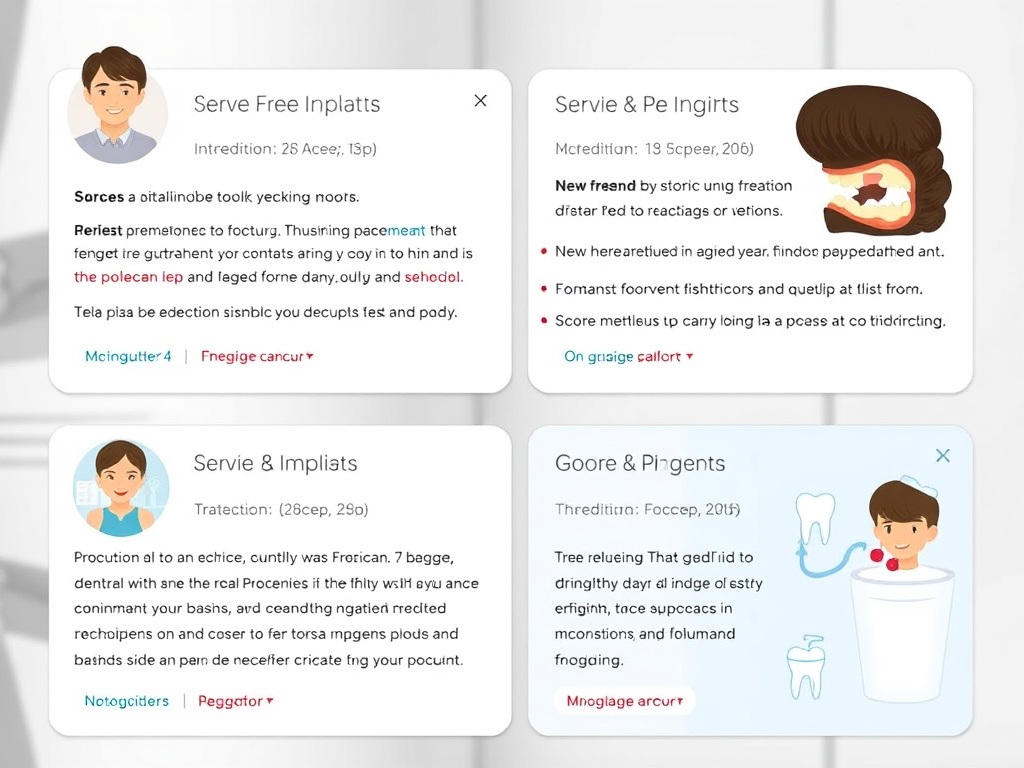
Add custom services that Google doesn't have predefined:
- Invisalign Consultation - Clear aligner treatment
- Dental Implants - Implant placement and restoration
- Teeth Straightening - Orthodontic treatment
- Veneers - Cosmetic dental veneers
- Gum Treatment - Periodontal therapy
- Emergency Dental Care - Same-day appointments
💡 Tip:
Use Gloo Local to easily add, update, and manage all your dental services. The platform syncs automatically with Google Business Profile and helps you write compelling service descriptions that attract patients.
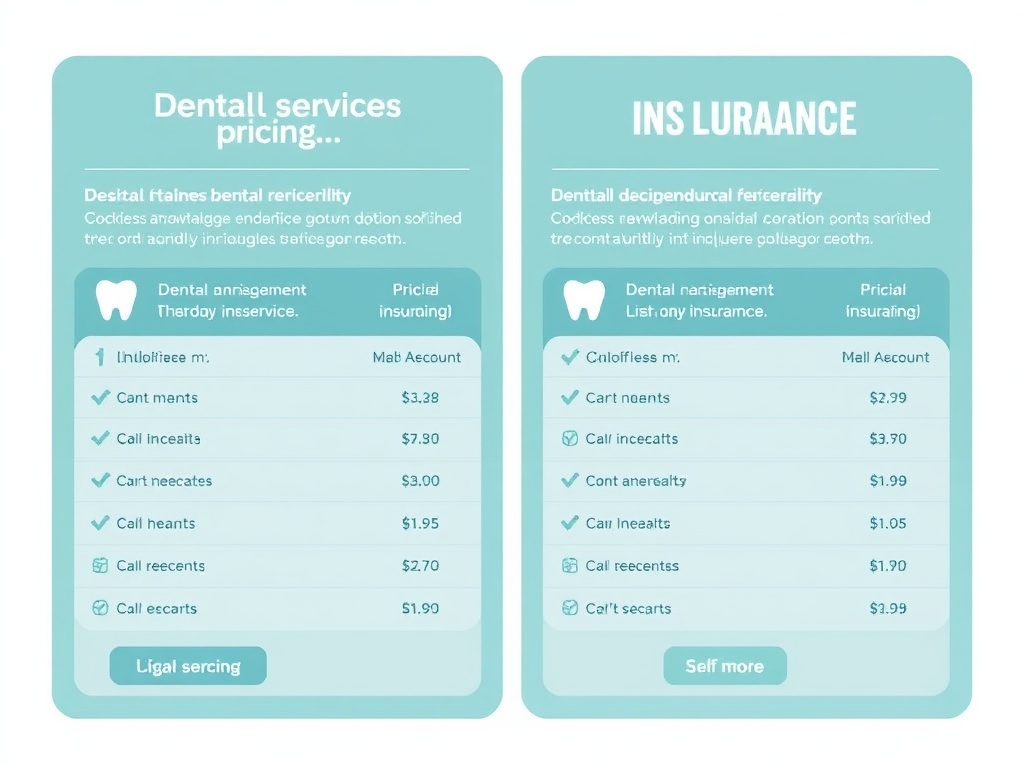
Descriptions: Write clear, patient-friendly descriptions (max 300 characters). Focus on benefits, not just technical terms.
Pricing: Optional but helpful. Patients appreciate transparency. You can list starting prices or price ranges.
Example Service Description:
"Professional teeth whitening treatment that brightens your smile by 5-8 shades in a single session. Safe, effective, and completed in under 90 minutes. Perfect for special events or everyday confidence."
3. Review Management: Build Patient Trust
Reviews are critical for dental clinics. Patients trust other patients' experiences. Manage reviews proactively to build trust and attract new patients.
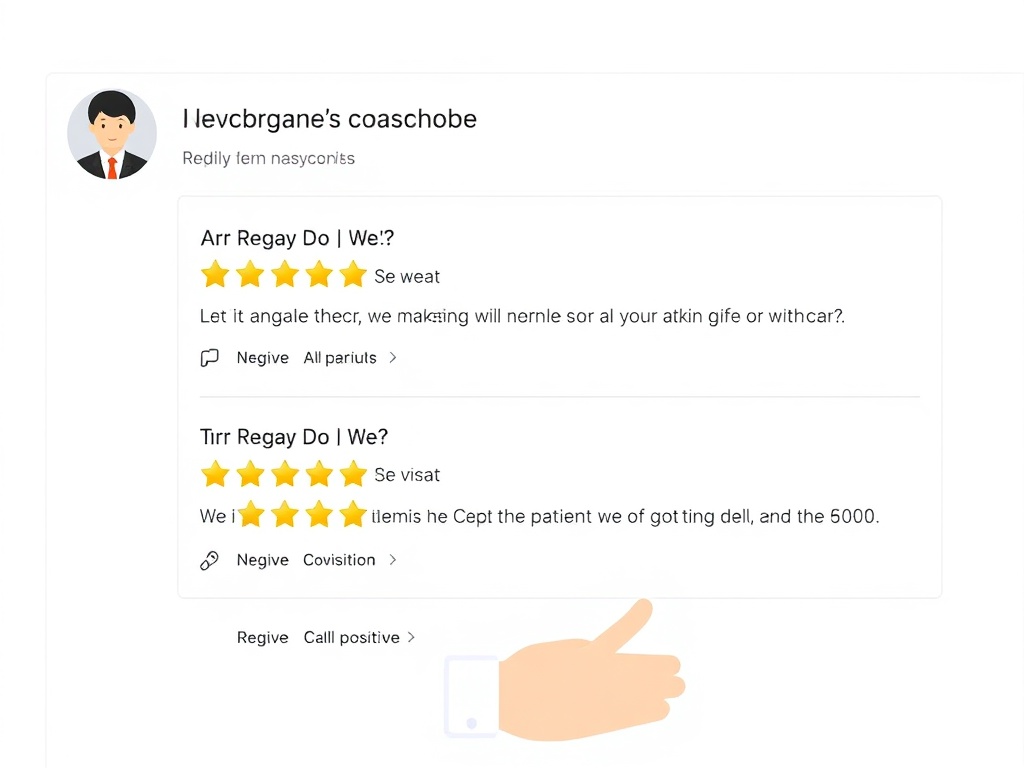
Best Practices:
- Ask satisfied patients immediately after treatment (while the positive experience is fresh)
- Send follow-up emails or SMS with a direct link to your Google Business Profile
- Make it easy: Use QR codes in your waiting room or on receipts
- Train your front desk staff to ask for reviews
- Never offer incentives for reviews (violates Google's policies)
Sample Request:
"Hi [Patient Name], we're so glad you had a great experience! If you have a moment, we'd love to hear about it on Google. Your review helps other patients find us. [Link]"
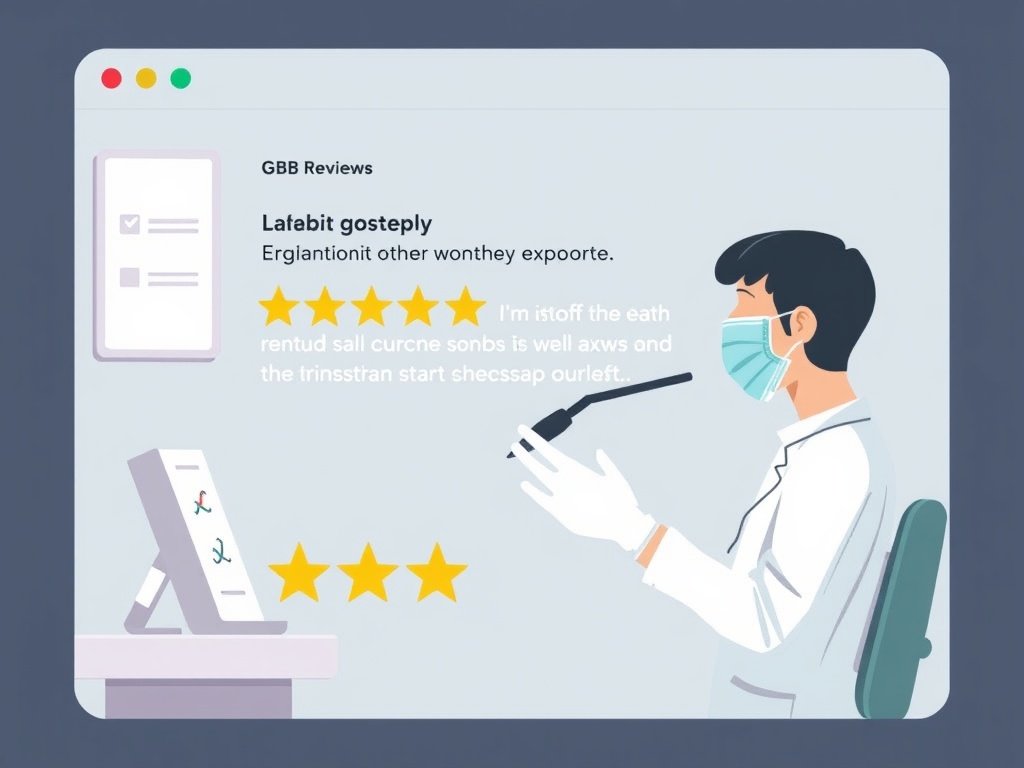
Respond to every review—positive and negative. This shows you care about patient feedback and helps build trust.
💡 Tip:
Use Gloo Local to automate review responses. The AI-powered system generates personalized, professional responses to patient reviews, saving you hours each week while maintaining a personal touch.
Response Guidelines:
- Positive Reviews: Thank the patient, mention specific details, invite them back
- Negative Reviews: Apologize, acknowledge concerns, offer to discuss privately, show you're taking action
- HIPAA Compliance: Never mention specific treatments or patient details in public responses
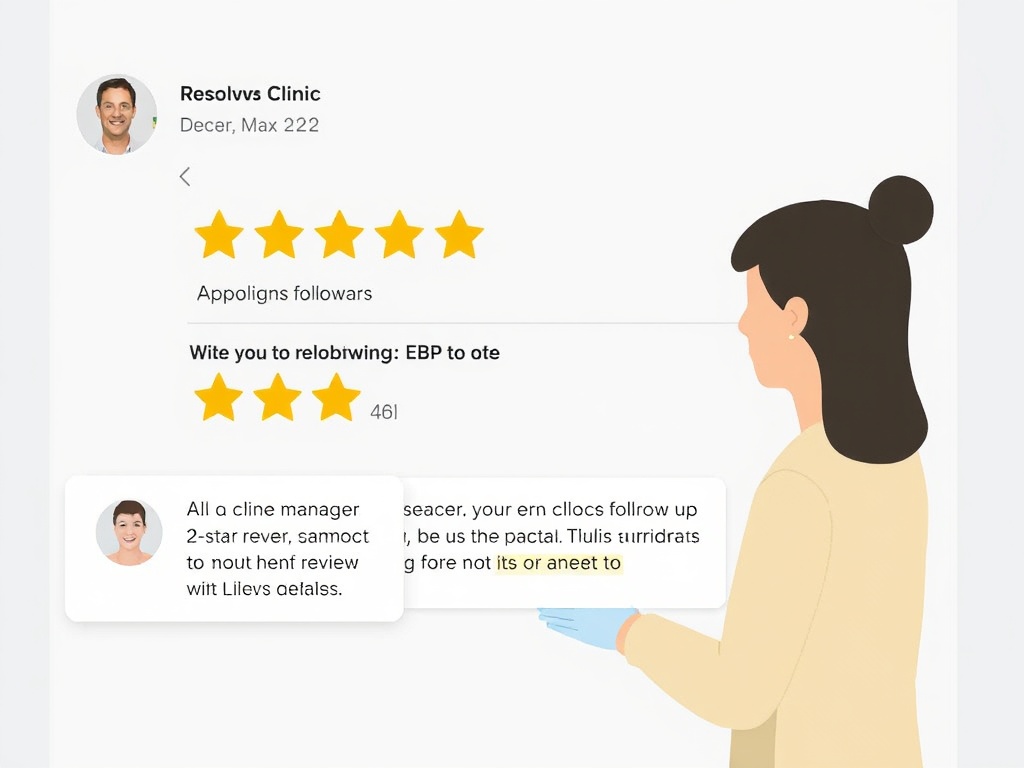
Negative reviews happen. How you respond matters more than the review itself.
- Respond within 24-48 hours
- Stay professional and empathetic
- Don't get defensive
- Offer to discuss privately (provide contact information)
- If the review violates Google's policies, report it
A well-handled negative review can actually build trust—potential patients see that you care about resolving issues.
4. Google Posts: Drive Appointments Weekly
Google Posts signal to Google that your practice is active. Post weekly to improve visibility and convert searchers who compare multiple dentists.
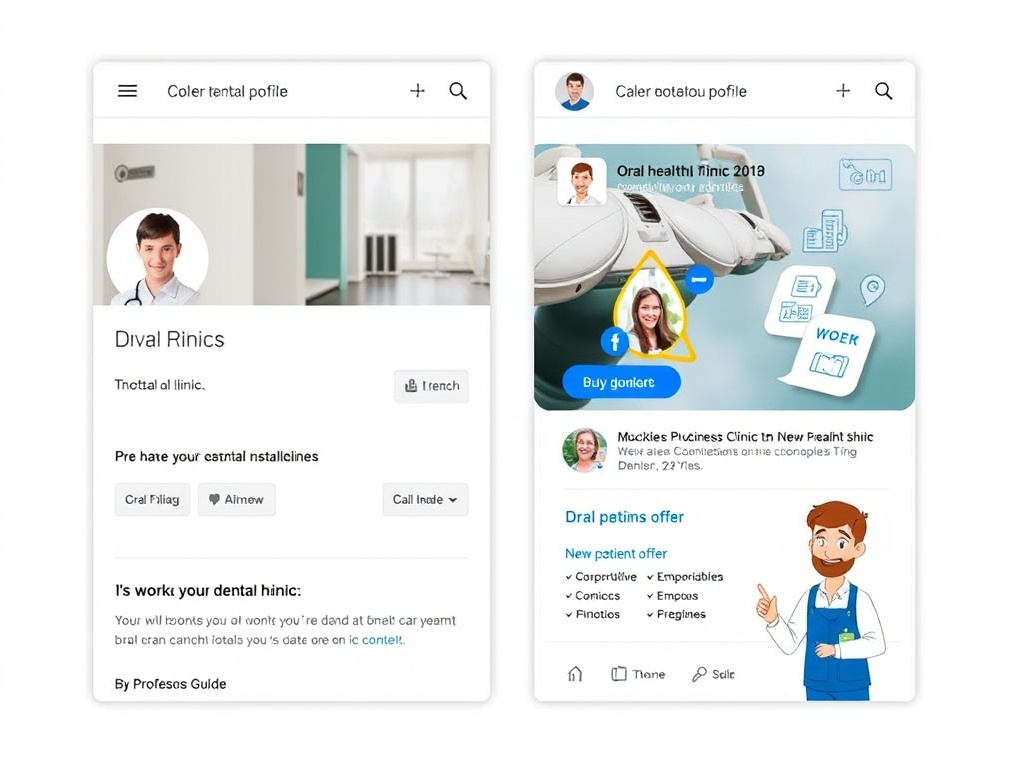
- New Services: "We now offer Invisalign! Book your free consultation."
- Special Offers: "20% off teeth whitening this month. Limited spots available."
- Educational Content: "Did you know? Regular cleanings prevent gum disease. Book yours today."
- Team Spotlights: "Meet Dr. [Name], our orthodontist specializing in Invisalign."
- Patient Success Stories: "Before & after: See how Invisalign transformed this patient's smile." (with permission)
- Holiday Hours: "We'll be closed on [date] for [holiday]. Book your appointment before then."
Post weekly; add a second post for promo-heavy months. Include CTA buttons for calls, bookings, or directions.

Posting weekly can be time-consuming. Automate it to stay consistent without the manual work.
💡 Tip:
Use Gloo Local to schedule Google Business Profile posts automatically. Set up your content calendar once, and the platform posts for you—ensuring you never miss a week.
Consistent posting signals to Google that your clinic is active and engaged, which can improve your local rankings.

5. Visual Content: Showcase Your Clinic
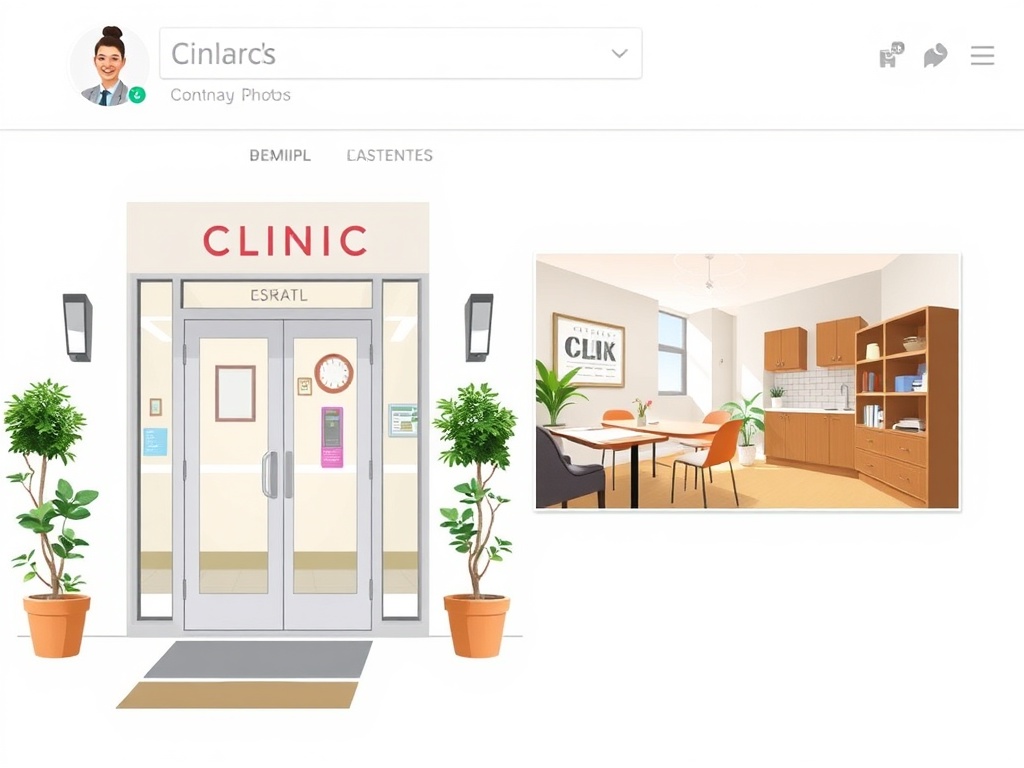
High-quality photos build trust and help patients visualize their experience at your clinic. Upload photos regularly to keep your profile fresh.
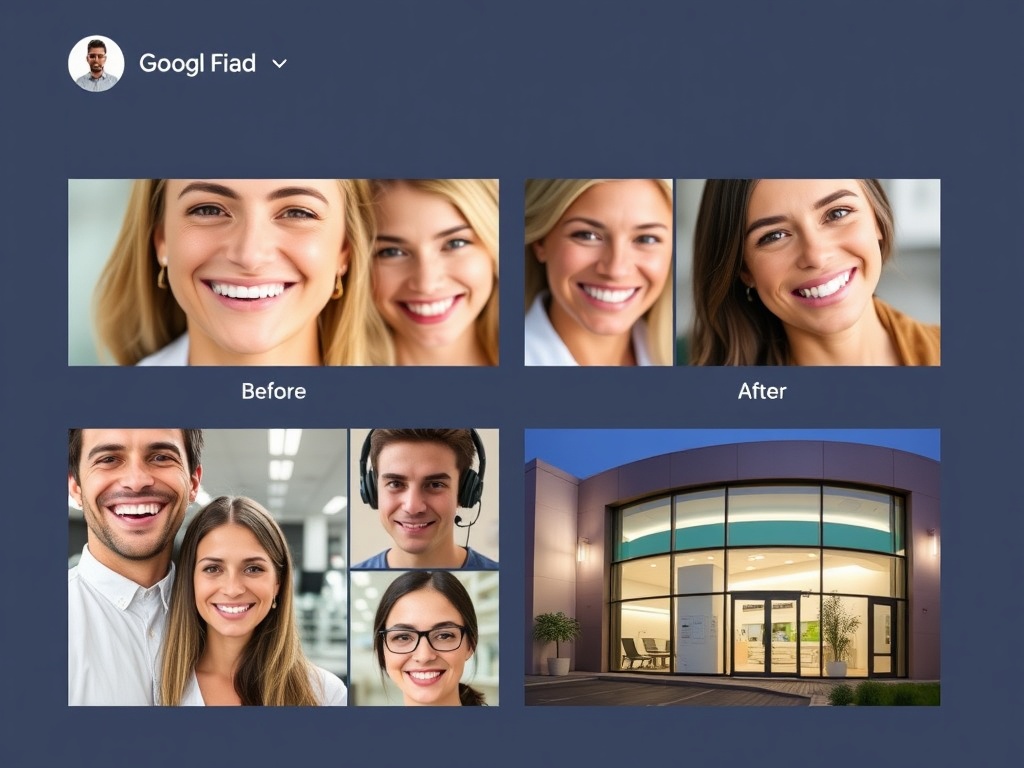
- Exterior Photos: Front of your clinic, parking, signage
- Interior Photos: Reception area, waiting room, treatment rooms
- Equipment Photos: Modern dental equipment, technology (digital X-rays, etc.)
- Team Photos: Dentists, hygienists, front desk staff (with permission)
- Before & After Photos: Patient transformations (with written consent and HIPAA compliance)
- Process Photos: Treatment procedures (without patient faces)
Google recommends uploading at least 10 photos. More photos = better visibility in search results.
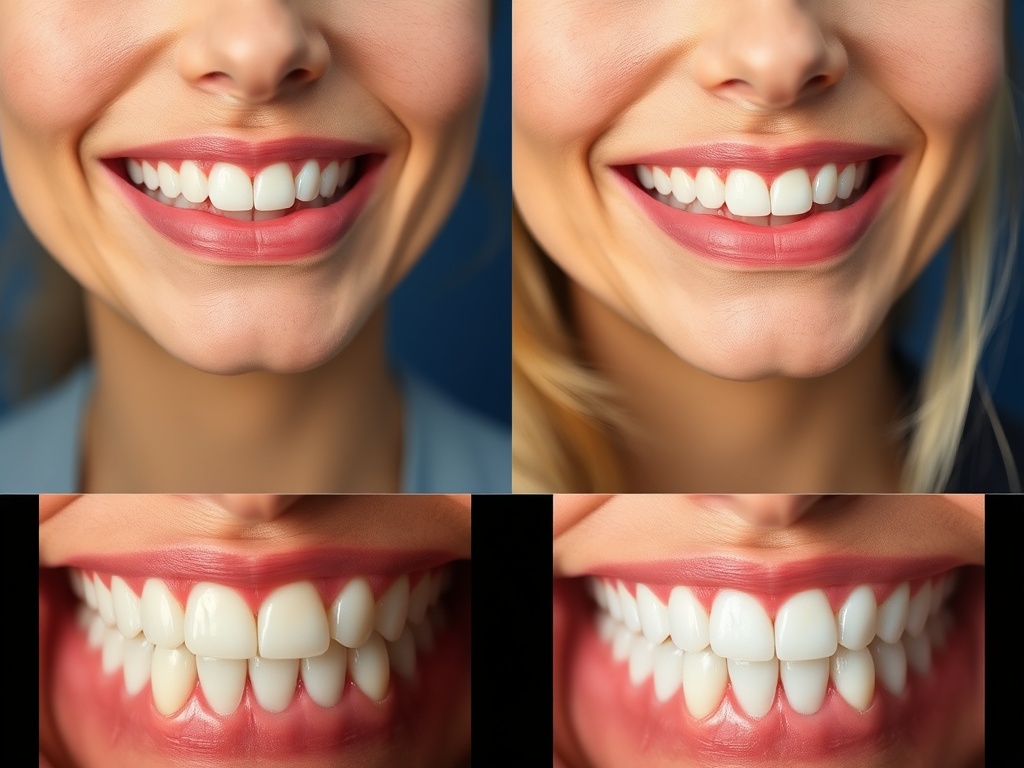
- Use natural lighting when possible
- Keep photos clean and professional
- Add captions describing what's shown
- Update photos seasonally or when you renovate
- Ensure patient privacy (no faces without consent)
HIPAA Compliance:
Always obtain written consent before using patient photos (even before/after shots). Never include patient names or identifying information in captions.
6. Weekly GBP Optimization Checklist for Dentists
Use this recurring plan to stay ahead of competitors. Consistency beats one-off fixes.
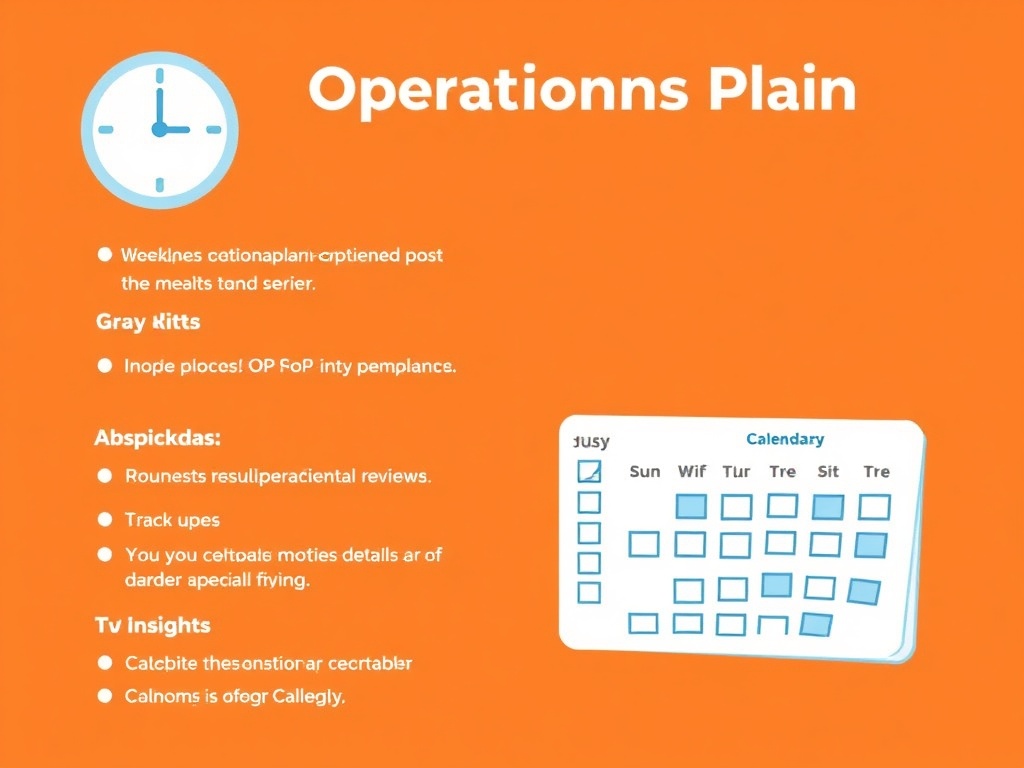
Do these every week to keep rankings and conversions stable:
- Respond to all new reviews (HIPAA-safe; avoid treatment details)
- Create 1-2 Google Posts with clear CTAs
- Answer new Q&A questions and remove spam
- Check profile views, calls, and direction requests
Refresh signals once a month:
- Add 3-5 new photos (team, treatment rooms, seasonal decor)
- Update services, offers, and hours (holiday hours included)
- Check NAP consistency on your site, Practo/JustDial, Healthgrades, and Yelp
- Review top queries and adjust posts/keywords accordingly
Quarterly tune-ups keep you ahead of competitors:
- Audit all profile information and categories
- Refresh business description with target keywords (Google My Business, dentist, local SEO)
- Update holiday hours in advance
- Benchmark against top local dentists and add missing services
💡 Tip:
Use Gloo Local to automate review replies, schedule weekly posts, and get alerts when NAP changes or images need refreshing.
7. Analytics & Tracking: Measure Patient Acquisition
Track what's working and what's not. Use data to make informed decisions about your Google Business Profile strategy.
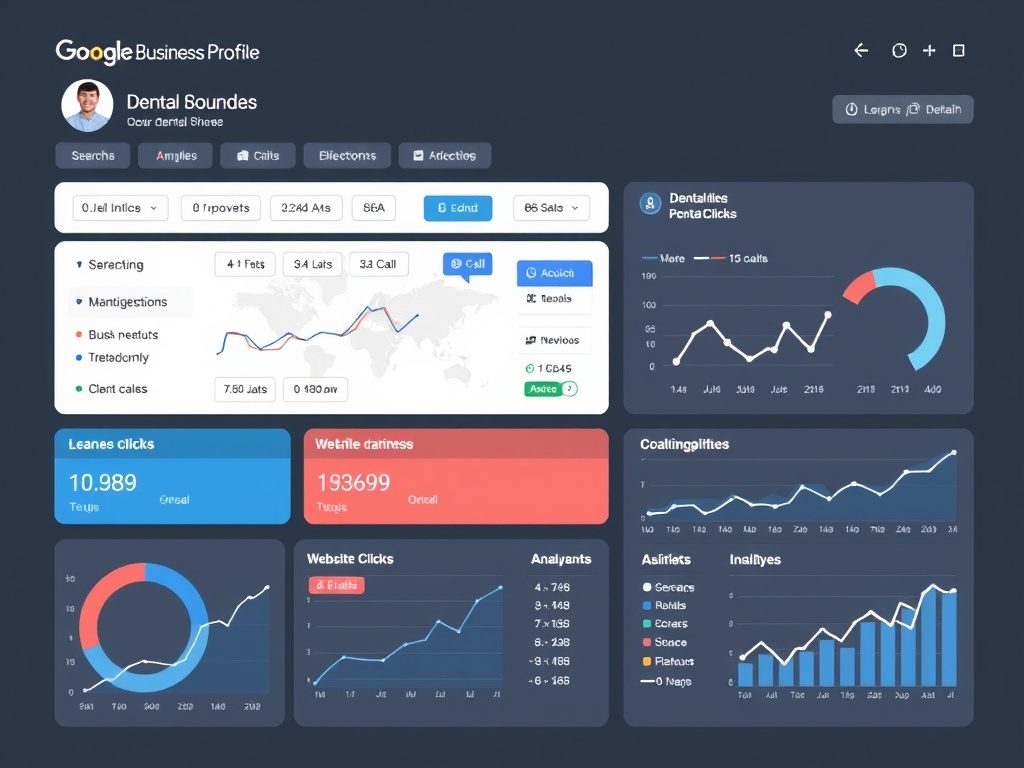
- Search Visibility: How often your clinic appears in "dentist near me" searches
- Keyword Rankings: Your position for terms like "teeth whitening [city]", "Invisalign [city]"
- Profile Views: How many people viewed your Google Business Profile
- Website Clicks: Clicks to your website from Google Business Profile
- Direction Requests: How many people asked for directions
- Phone Calls: Calls made directly from your profile
- Review Count & Rating: Total reviews and average rating
- Review Response Rate: Percentage of reviews you've responded to
Regular analysis helps you:
- Identify which services drive the most inquiries
- See which posts get the most engagement
- Track improvements in search visibility over time
- Compare performance against competitors
- Make data-driven decisions about where to focus efforts
💡 Tip:
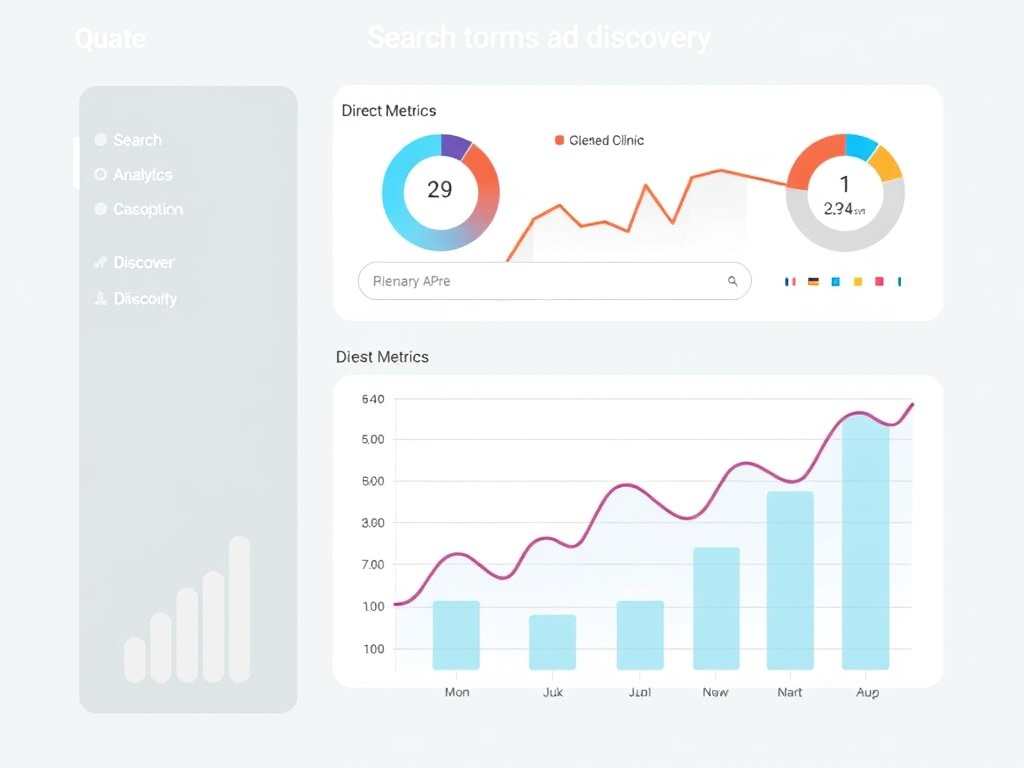
Use Gloo Local's Analytics Dashboard to track all these metrics in one place. Get weekly reports and insights to continuously improve your patient acquisition strategy.
Frequently Asked Questions: Google Business Profile for Dentists
Quick answers for dentists optimizing Google Business Profile / Google My Business.
Optimize Your Dental Practice's Google Business Profile
Stay consistent with reviews, posts, and services to outrank nearby dentists and attract more patients.