QSR Digital Menu Board Software
Update QSR menu boards, combo promotions, and meal-time screens from one dashboard. Keep fast-moving menu content current without rebuilding boards at each store.
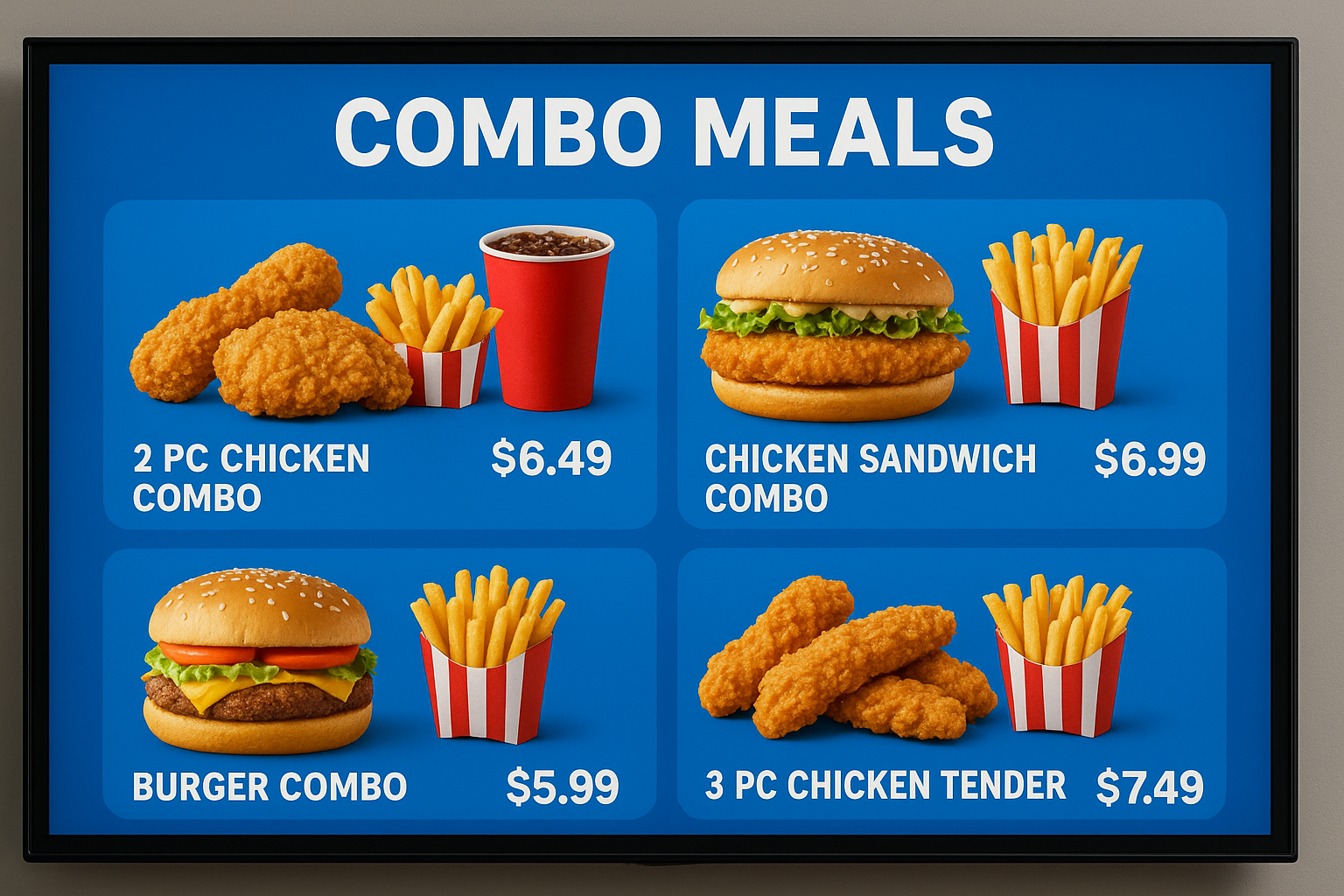
Built for faster-moving menu changes, combos, and meal-time screen switches.
Move fast on menu screens
What this lets you do
This is the fast-moving version of a menu-board workflow. It helps QSR teams update categories, combos, and daypart screens quickly across one store or many.
Why teams use it
- QSR chains running frequent menu and combo changes
- Operators who need breakfast, lunch, and dinner switching on time
- Teams that want less local effort when campaigns change
How it works
Build menu sections
Create screen-ready categories, item groups, and combo placements.
Plan high-speed layouts
Use layouts that stay readable in quick-service environments.
Automate transitions
Switch content by meal time, campaign, or date window.
Publish across stores
Push changes to selected stores in one workflow.
What you can show on the screen
Breakfast, lunch, and dinner menus
Combo offers and add-on prompts
Limited-time campaign screens
Price, item, and availability updates
How teams stay in control
- Faster QSR menu and combo updates
- Daypart automation
- Promo blocks inside menu loops
- Multi-location control for QSR operations
- Android TV deployment support
- Fallback playback during short outages
Integrations
- Google Sheets or CSV menu feeds
- POS and catalog sync via API or structured data feed
- Google Reviews and social content sync
- QR-based customer ordering links
Device compatibility matrix
| Android TV app | Native app for Android TV and Google TV devices |
| Screen orientation | Landscape and portrait layouts with safe zones |
| Multi-location control | Push updates by location, region, or all screens |
| Offline continuity | Last published playlist stays on-screen during outages |
Value in day-to-day use
Menu refresh speed
Faster campaign changes
QSR teams can update screen content more quickly than static board workflows
Operational drag
Less local rework
Most updates move away from store-by-store screen edits
Store consistency
Better rollout control
Locations stay closer to approved menu and combo timing
Context: messaging is based on expected QSR process improvements, not a formal guarantee.
Common store examples
Breakfast to lunch handoff
Switch the full board at the right time without staff intervention.
Combo promotion burst
Push a new combo and upsell screen set across multiple stores quickly.
Regional pricing control
Keep one template while letting stores reflect local price differences.
Manual work vs cloud control
| Manual or static workflow | Cloud signage workflow |
|---|---|
| QSR teams patch boards store by store | Changes can be published centrally |
| Meal-time transitions rely on staff timing | Schedules handle the switch automatically |
| Combos and promos are hard to update quickly | Promo blocks can be refreshed without rebuilding everything |
| Locations drift from approved screens | Shared control helps stores stay aligned |
Frequently asked questions
1. What makes QSR digital menu board software different?
It is built for fast updates, timed menu switching, and combo-heavy screen workflows.
2. Can I update combos and prices quickly?
Yes. QSR teams can push combo and price changes through one dashboard workflow.
3. Can I automate breakfast and lunch switching?
Yes. Daypart schedules can switch menu content automatically.
4. Can it run on Android TV?
Yes. Android TV screens can be used for QSR menu and promo playback.
5. Can I keep some local pricing differences?
Yes. Shared templates can still allow location-level overrides where needed.
6. What happens if internet drops?
Synced content keeps playing until the connection returns.
Related pages
The broader menu-board software page
Restaurant TV menu workflows
Android TV setup and pairing details
The broader screen-management software page
Put this on your screens without extra store work
Start with cloud publishing, simple schedules, and Android TV support so your team can keep every screen current from one place.