Show Promotions on TV
Use store TVs to run promotions, sale windows, bundles, and flash offers without depending on manual poster swaps. Keep offer screens current from one shared workflow.
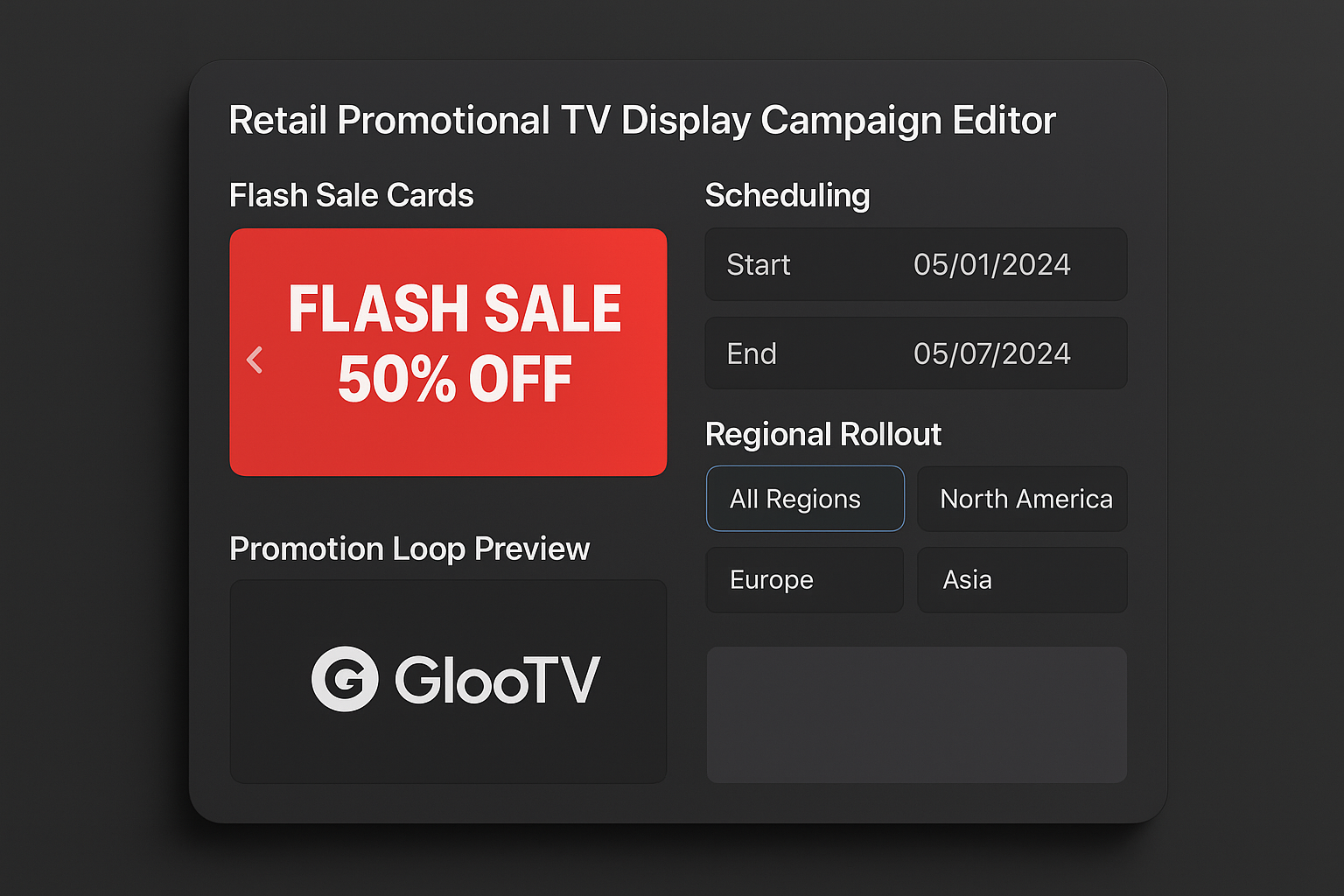
Run sale windows, bundles, and timed offers on store TVs from one dashboard.
Use TVs for offers and campaigns
What this lets you do
This is for retailers who want TVs to drive offers and urgency. It helps teams run flash sales, promotional windows, bundle messaging, and seasonal campaigns on store screens.
Why teams use it
- Retail teams running weekly or seasonal promotions
- Store operators who need timed offer windows and flash-sale visibility
- Marketing teams that want promotions to reach every location quickly
How it works
Create the offer blocks
Prepare sale, bundle, discount, and campaign messages for TV display.
Set the campaign timing
Choose when promotions start, stop, or shift through the day.
Target the right stores
Publish nationally, regionally, or only to selected locations.
Refresh without local work
Swap live offer content quickly from the central dashboard.
What you can show on the screen
Flash-sale and limited-time offers
Bundle and multi-buy promotions
Weekend and seasonal campaign loops
Promo slides mixed with products and reviews
How teams stay in control
- Offer-focused playlist and campaign support
- Daypart and date-window scheduling
- Regional and store-level targeting
- Fast refresh workflow for live promotions
- Android TV-compatible playback
- Fallback playback during connectivity issues
Integrations
- Google Sheets or CSV menu feeds
- POS and catalog sync via API or structured data feed
- Google Reviews and social content sync
- QR-based customer ordering links
Device compatibility matrix
| Android TV app | Native app for Android TV and Google TV devices |
| Screen orientation | Landscape and portrait layouts with safe zones |
| Multi-location control | Push updates by location, region, or all screens |
| Offline continuity | Last published playlist stays on-screen during outages |
Value in day-to-day use
Offer launch speed
Faster than manual swaps
Promotions can reach screens more quickly through one workflow
Campaign control
Better timing discipline
Teams can define promotion windows instead of relying on ad-hoc changes
Store workload
Less local effort
Most screen refreshes no longer depend on store staff actions
Context: wording captures typical operational value of centralized promo-screen workflows rather than a guaranteed sales claim.
Common store examples
Weekend promo burst
Switch screens into offer-heavy mode only during peak traffic windows.
Festival campaign rollout
Launch a seasonal promotion across many stores with consistent timing.
Bundle message refresh
Replace a live promotion quickly when the offer changes mid-campaign.
Manual work vs cloud control
| Manual or static workflow | Cloud signage workflow |
|---|---|
| Offers depend on local poster replacement | Promotions go live through centralized screen publishing |
| Campaign timing varies by store | Schedules keep launch and expiry consistent |
| Promo screens are hard to refresh fast | Offer content can be swapped quickly from the dashboard |
| Stores mix offers inconsistently | Central teams keep the offer story aligned |
Frequently asked questions
1. Can I show promotions on TV in my store?
Yes. GlooTV can run promotional loops, flash offers, and campaign screens on store TVs.
2. Can I schedule offers by time and date?
Yes. Promotions can be controlled by campaign window, daypart, and schedule rules.
3. Can different stores run different promotions?
Yes. Stores, regions, or groups can receive different promotional playlists.
4. Can I mix promotions with products and reviews?
Yes. Promotional content can sit beside product highlights and review slides in one loop.
5. Does this work on Android TV?
Yes. Android TV is supported for promotional screen playback.
6. What if a promotion needs to change quickly?
Live screen content can be replaced through the central dashboard rather than by manual store work.
Related pages
Product display workflows for store TVs
Trust-content and testimonial screen workflows
The broader software page for store-screen control
The retail operations page for full campaign workflows
Put this on your screens without extra store work
Start with cloud publishing, simple schedules, and Android TV support so your team can keep every screen current from one place.