
Gloo AI Studio · Zomato food image generator
Turn your dishes into standout Zomato food images.
Your best dishes deserve more than a dull phone photo. Create professional food images with your restaurant's look, then export the right version for your menu, delivery listing or next promotion.
Create my Zomato food imagesINR 100 per dish · 3 image variations
Paid generation in Gloo AI Studio. Need only a resize? Use the free tool below.
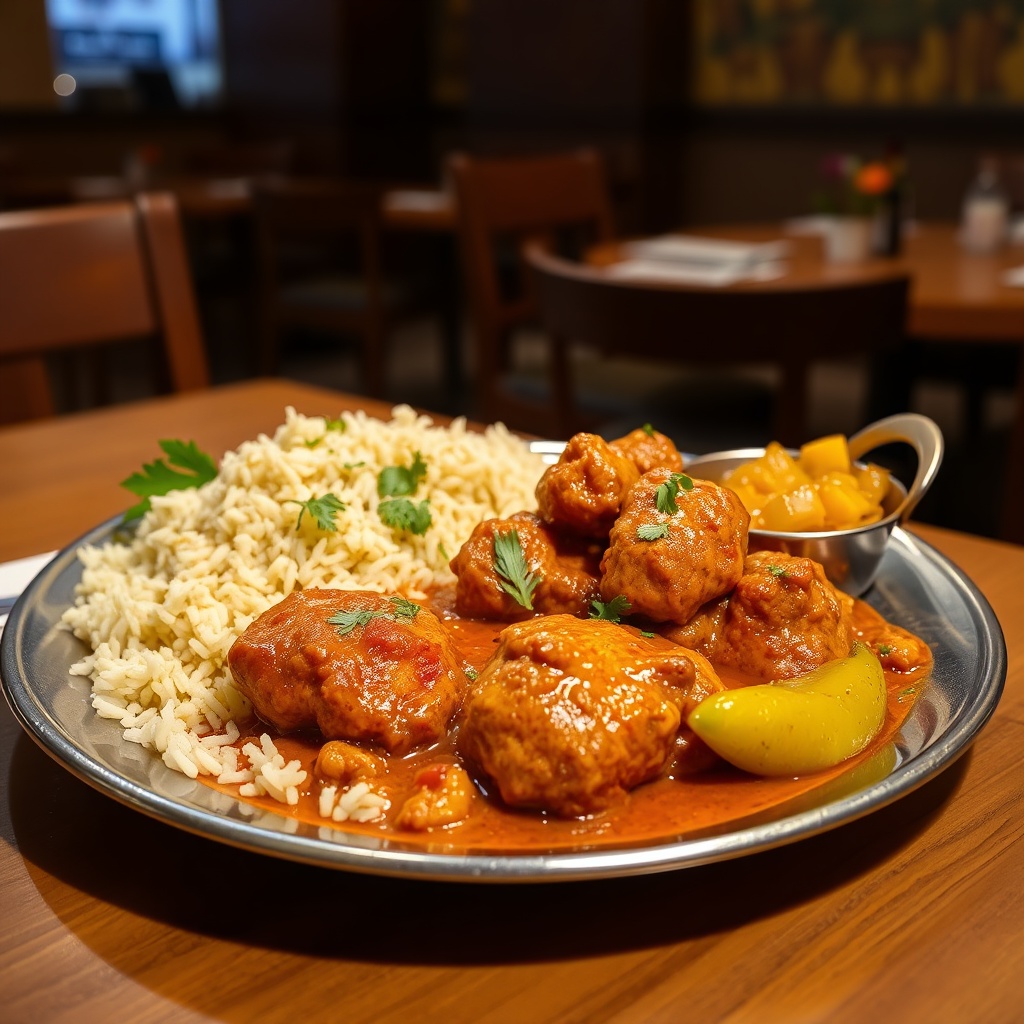

3 images
Per dish
INR 100
Starter package
2–4 hrs
Typical delivery
From your dish to a consistent menu.
01
Start with your dish
Upload a real photo for accurate food imagery, or describe a dish to explore a new creative direction.
02
Choose your restaurant look
Use your colors, backgrounds and styling. Keep delivery images clean; add your logo for promotions where appropriate.
03
Review and reuse
Check portions and plating, then use the 3 variations across your Zomato listing, menu and marketing.
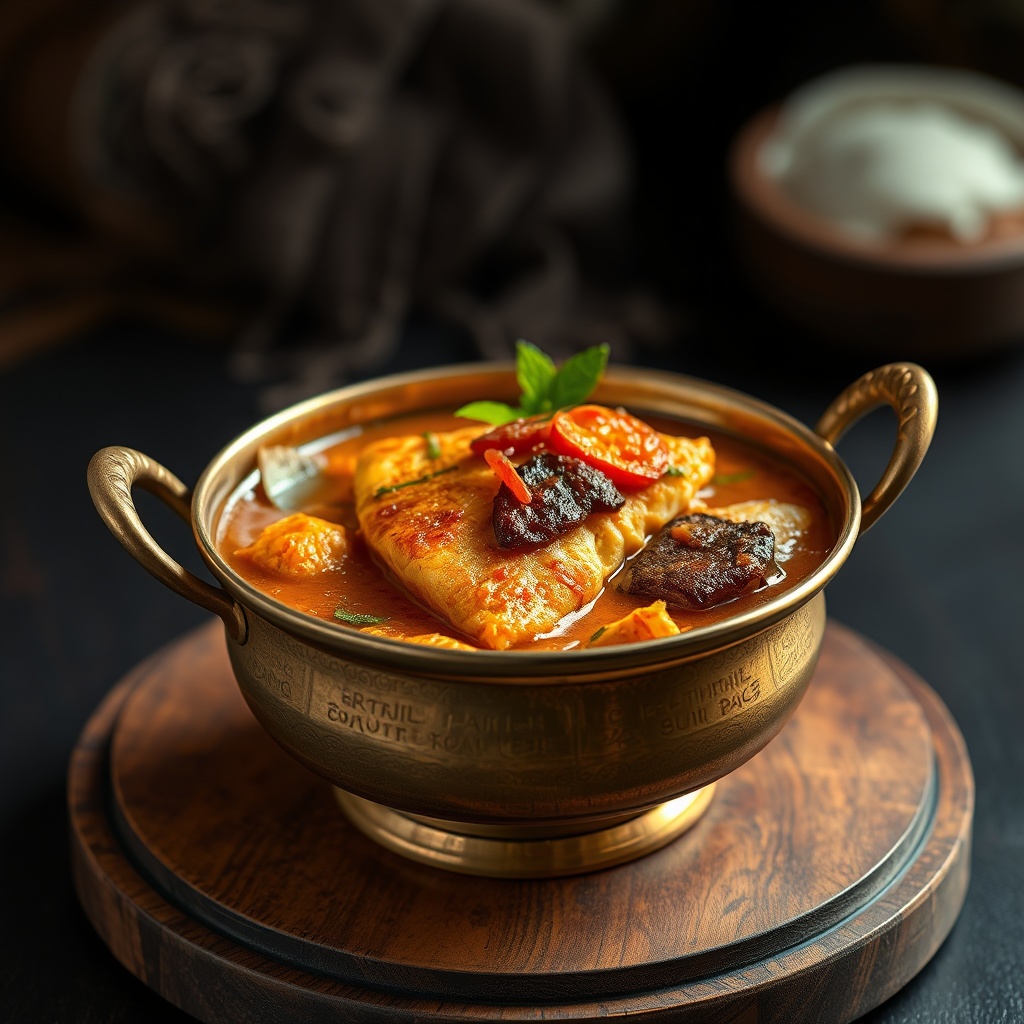
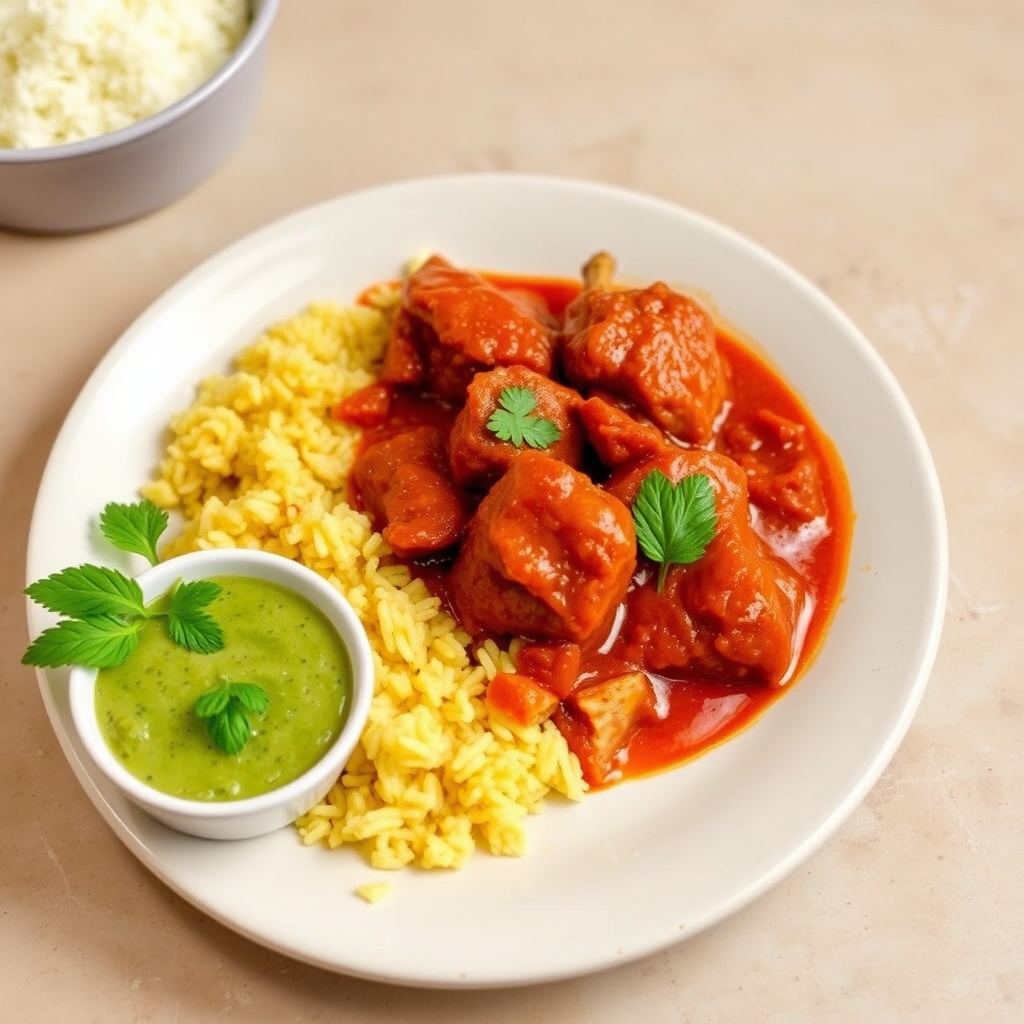
Food images with a restaurant identity.
These are generated output examples, not a claimed before/after pair. With a real reference, your own dish remains the starting point.
A professional menu without a photo shoot for every update.
Existing Gloo results include 30%+ more orders and up to 93% lower per-dish photography cost, comparing INR 100 with INR 1,500. These are reported outcomes and a stated cost comparison, not a guaranteed result for every restaurant.
“We updated our entire 30-item menu for less than what a photographer charged for 5 dishes. And the branding consistency is amazing.”Restaurant owner · Bangalore
Already have a photo? Prepare it free.
Crop, resize and adjust your existing image in this browser. This tool does not generate a new dish or require an account.
Image corrections
This tool makes technical and visual corrections. It does not fabricate ingredients or change the dish.
Before you upload a delivery photo
Show the serving you actually sell. Keep the full dish inside the crop, avoid misleading ingredients and use a clean listing version rather than a promotional poster. Platform dimensions and overlay rules can change: check your Zomato restaurant partner guidance before bulk uploads.
Prepared by Gloo AI Studio product team · Updated 4 October 2026
Before you get started
Can I create Zomato food images from a dish description?
Yes. Start from a dish description to explore a creative direction in Gloo AI Studio. For a photo of a dish you actually sell, use a reference photo and check that the final portion, ingredients and plating match your food.
Do I need a professional reference photo?
No. A well-lit phone photo is enough. Show the complete dish, its actual portion and plating, without hands or distracting objects. Reference-based generation preserves the connection to the food your customers receive.
How much does generation cost?
The starter package is INR 100 for 3 branded food images of one dish. Existing bulk packages are INR 450 for 5 dishes, INR 850 for 10 dishes, and INR 2,000 for 25 dishes. Generation is paid; the browser photo-resizing tool below is free.
How long does it take?
Preparing a reference and your branding takes a few minutes. The food-image package has a typical delivery time of 2–4 hours. Setup time is not a promise of instant delivery.
Will Zomato accept every generated image?
The workflow creates Zomato-oriented images, but the platform makes the final acceptance decision. Review your result against the dish you serve and the requirements in your current restaurant partner dashboard.
Will the image include my logo or a watermark?
Gloo does not add an unwanted watermark. You can use your restaurant colors and styling, and choose a logo treatment for promotional assets. For a delivery listing, export a clean food image where text or logo overlays are not allowed.
Can I reuse the images beyond a delivery listing?
Yes. Use your branded creative for menus, your website, Google Business Profile posts and social campaigns. Choose the crop and branding treatment appropriate to each placement.